Update User Contact and Address Information in personal profile
This guide provides a process for updating your user contact and address information in your personal profile. By following the steps outlined, you can ensure that your details are current, which is essential for effective communication and service delivery.
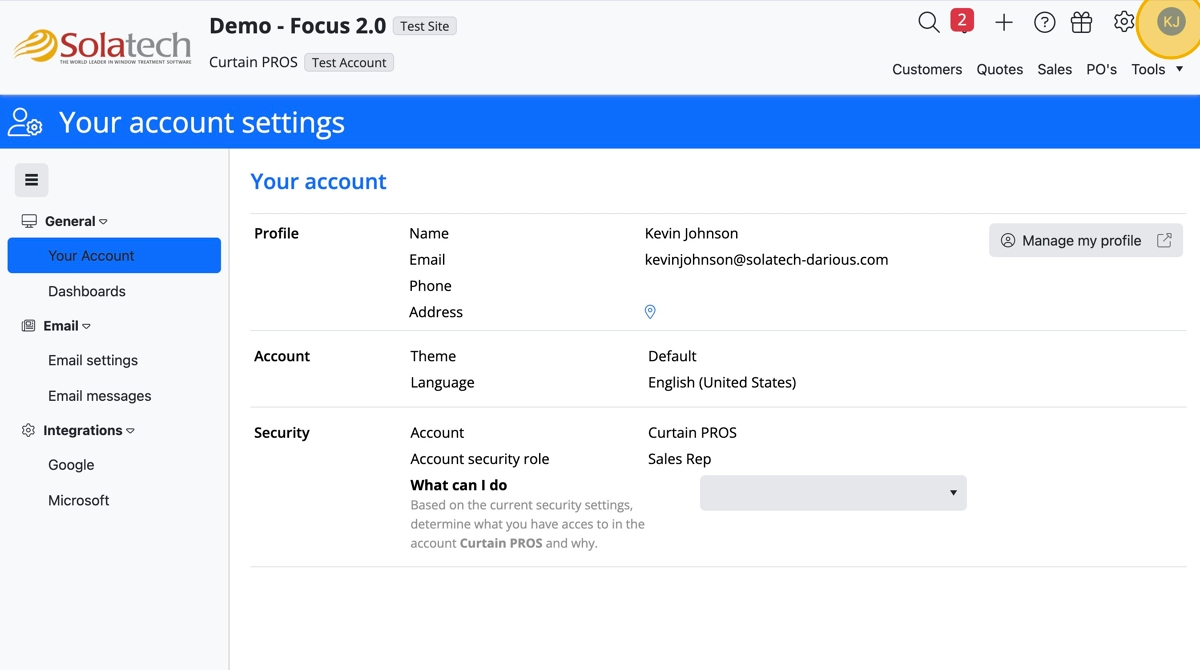
- Login to Solatech and click the Initials icon
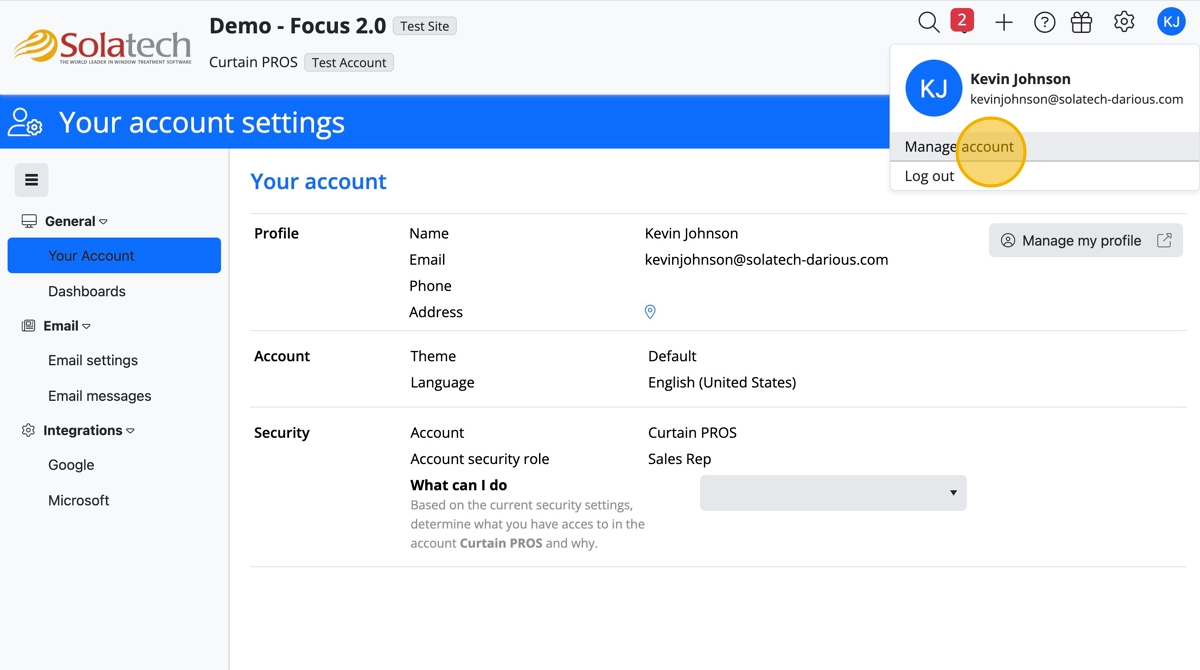
- Click "Manage account"
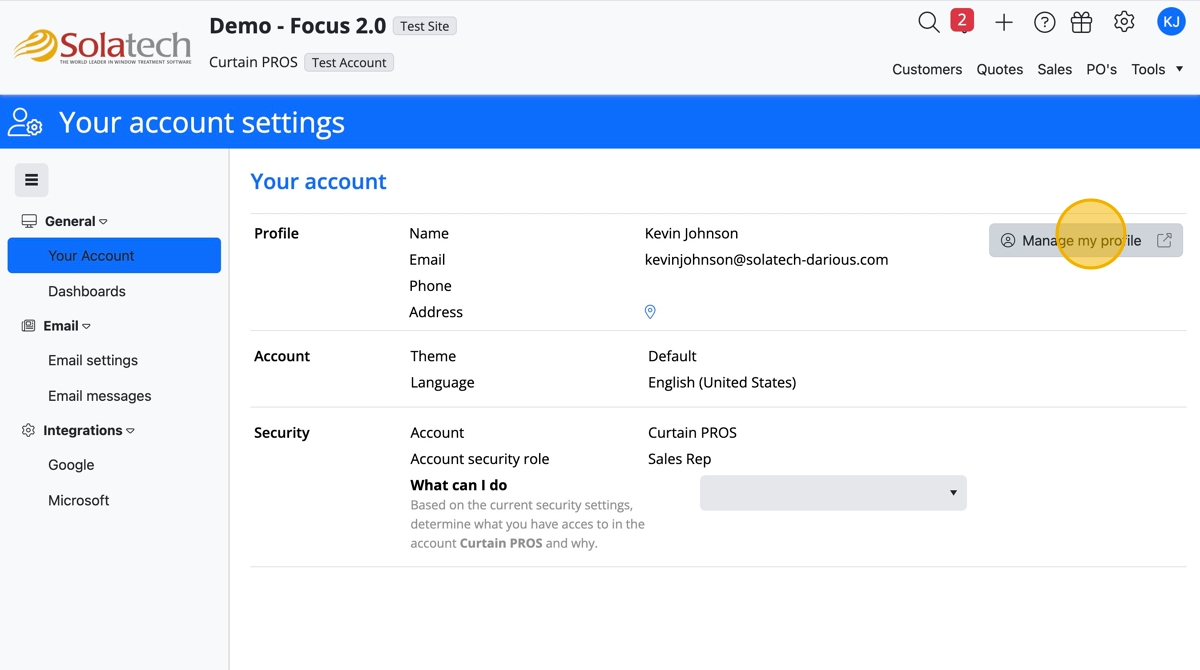
- Under General "Your Account," click "Manage my profile" button
- Click any banner that requires updated, i.e. Contact banner
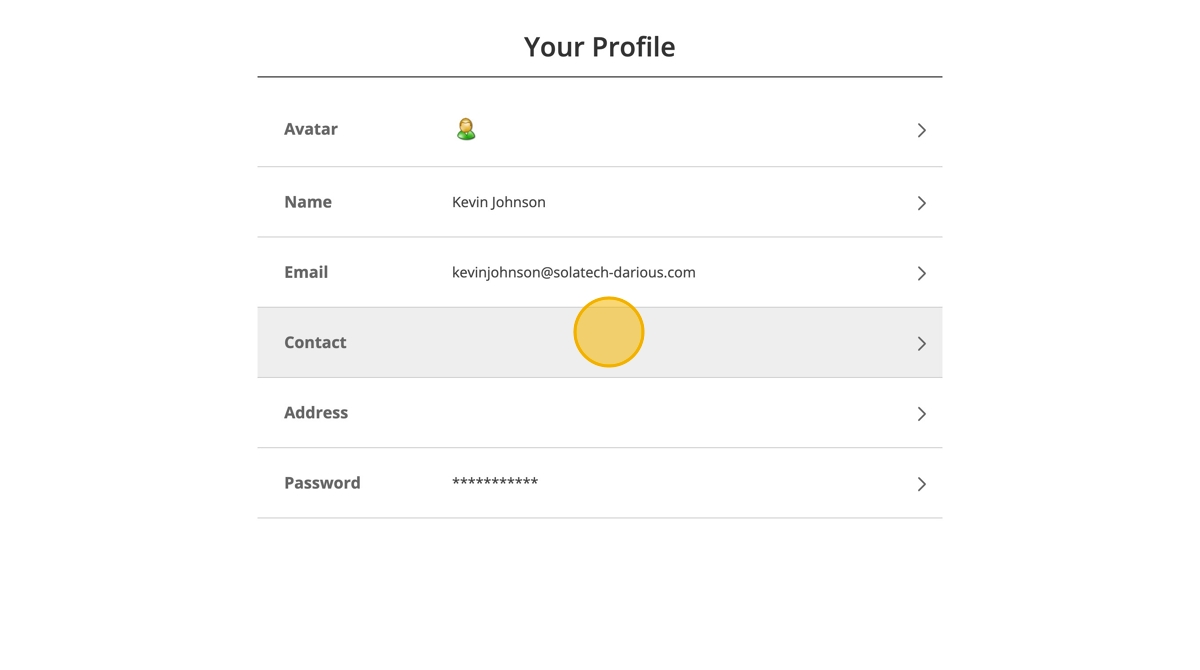
- Update the information by clicking the appropriate fields and typing in the information
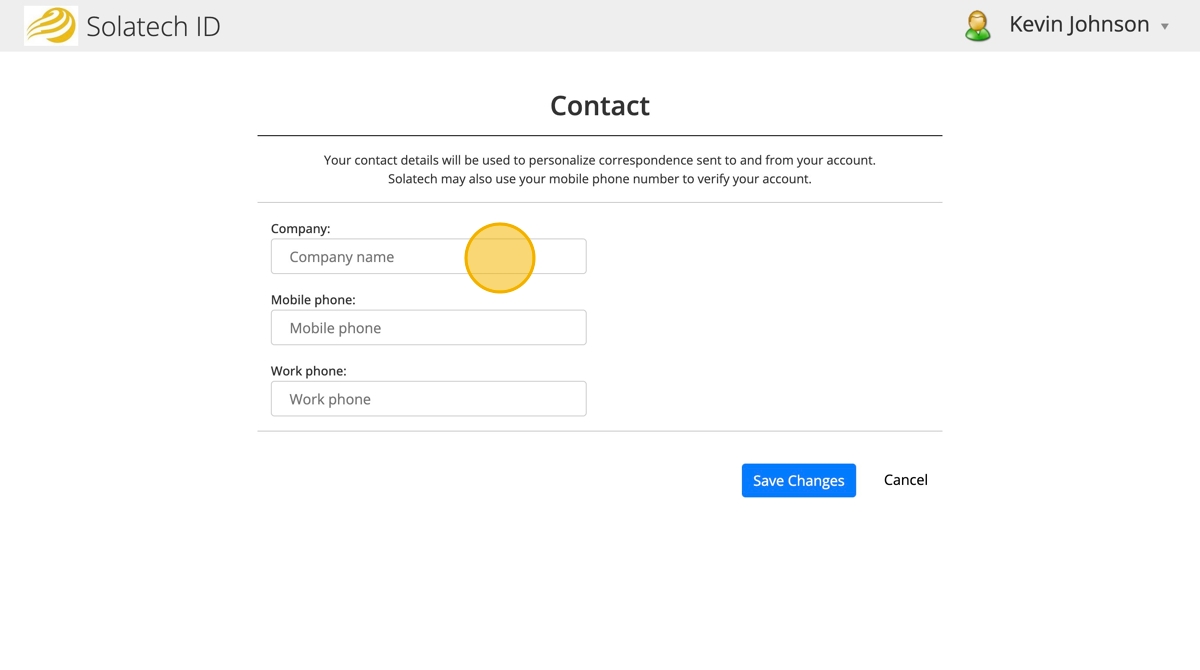
- Click "Save Changes"
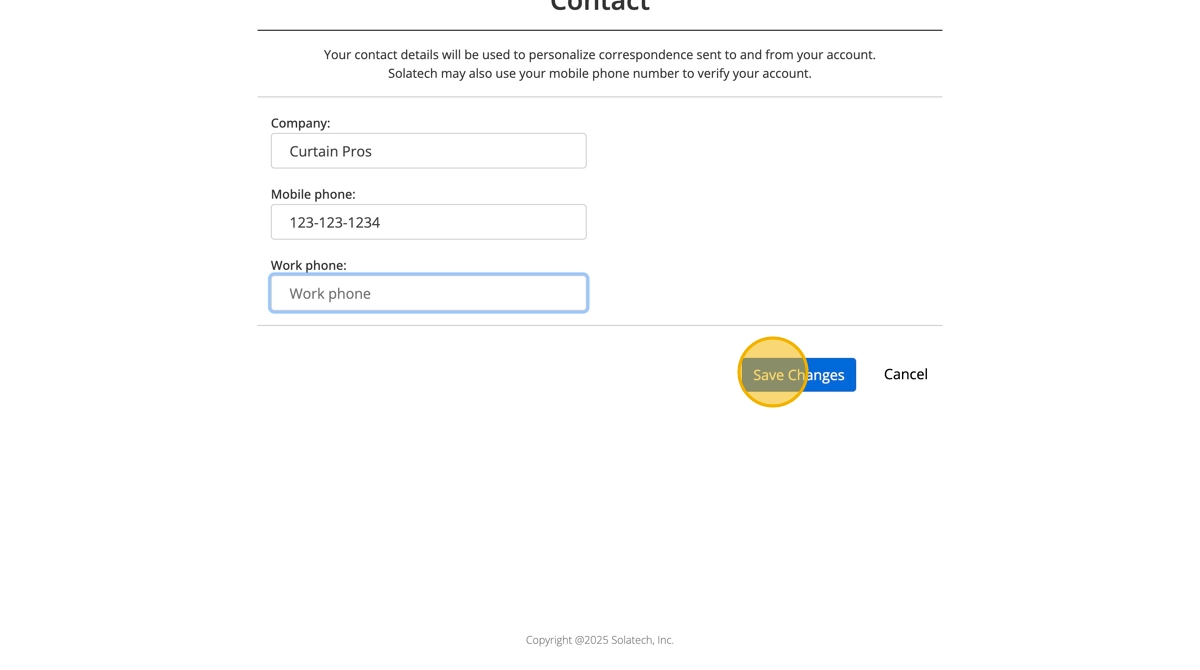
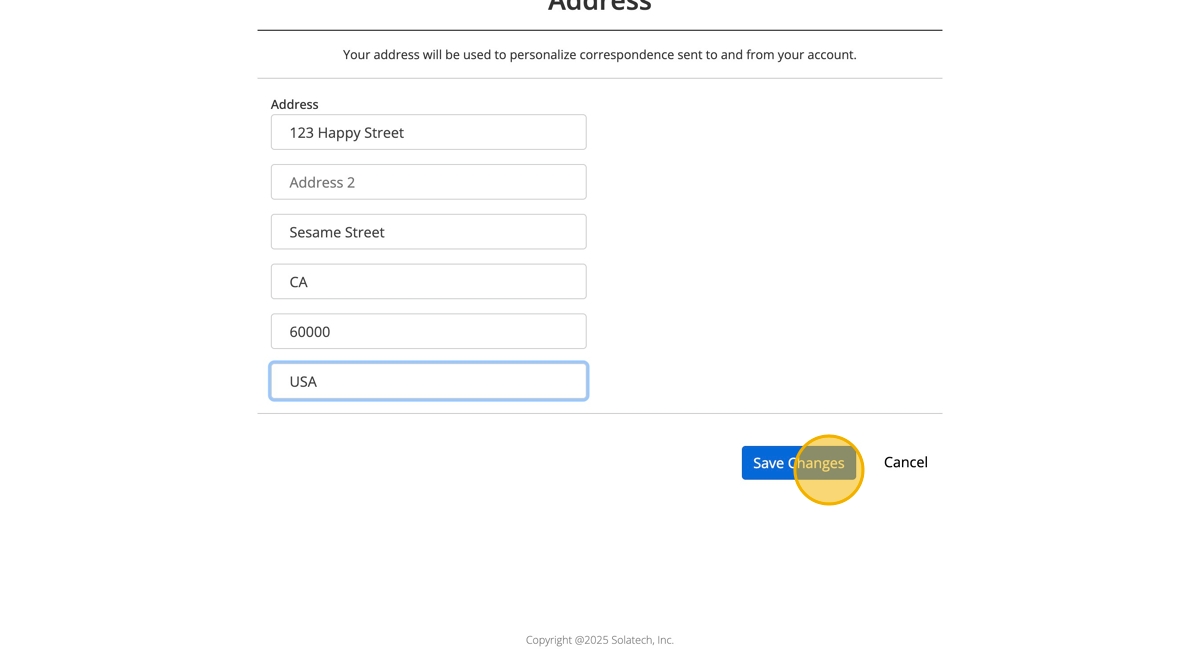
- Repeat as needed in other banner sections
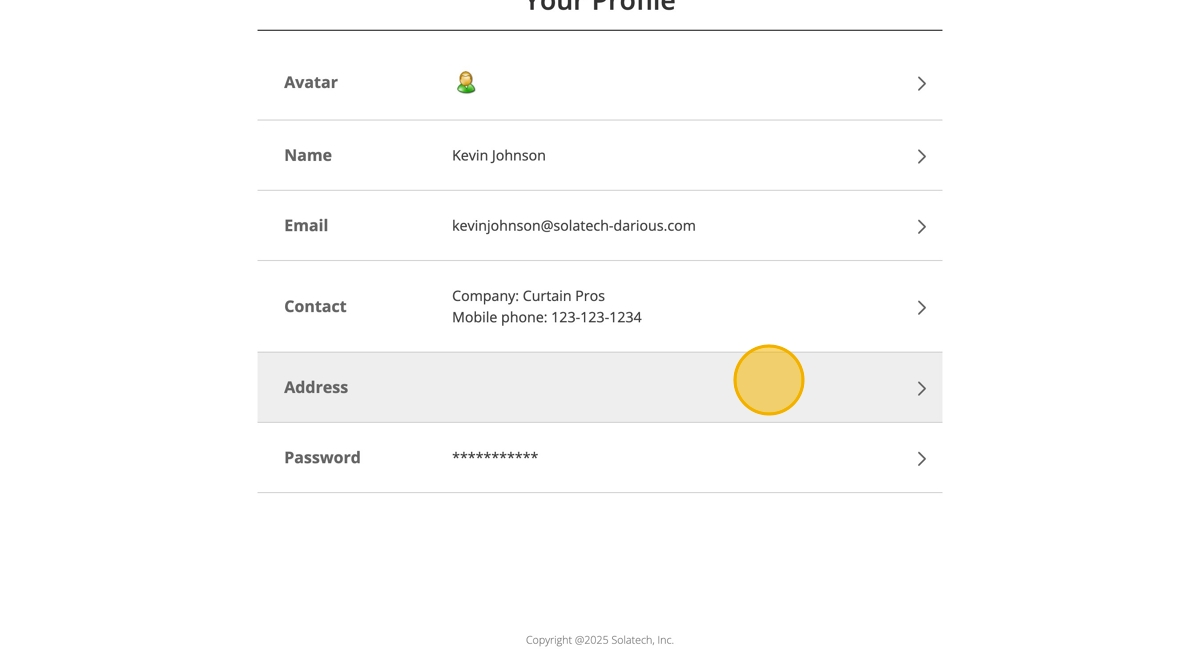
- Click "Save Changes"
Related Articles
Updating Your Profile Information in Focus 2
Updating Your Profile Information on Solatech This guide provides a straightforward process for updating your profile information on Solatech, ensuring your account details are accurate and current. By following these steps, users can easily manage ...
How to add customer contact name to process reports
Summary This article will describe how to add the contact name field to your process reports (quotes, order confirmations, etc.). There are two sections to which this field can be added: the Information Section and the Identification section . ...
Adding or Modifying your Company's Address
Summary This article will describe how to modify your Account's address information, logo and/or terms and conditions Instructions From within Solatech Focus, click on the Admin tab. This will bring you to the Account page. Account section: here you ...
Solatech update May 2022 - list of all updates
Summary On May 1st, 2022, Solatech released a major update which included many new features. Below is a comprehensive list to be used as a reference including hyperlinks to more detailed knowledgebase articles on specific items listed. Updates Sales ...
Importing customer information from 4.2 to SalesPRO
Summary This article will step you through the process of exporting customers from your SWCS company database using the SWCS 4.2 Export Utility, updating the exported data in Microsoft Excel and then importing the customer information into SalesPRO. ...