How to setup Gmail or Microsoft to sync

How to setup Gmail or Microsoft to sync


How to setup Gmail or Microsoft to sync

This guide provides a process for setting up Gmail to sync with your account, ensuring you can manage your emails efficiently.

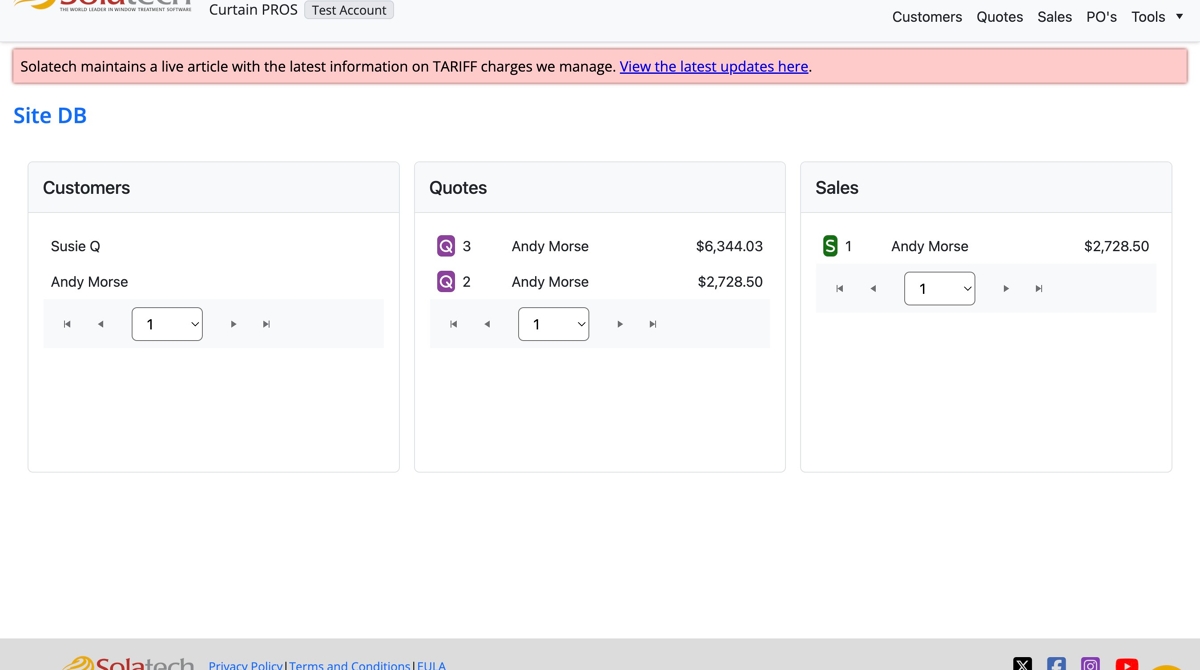
  1. Login to Solatech

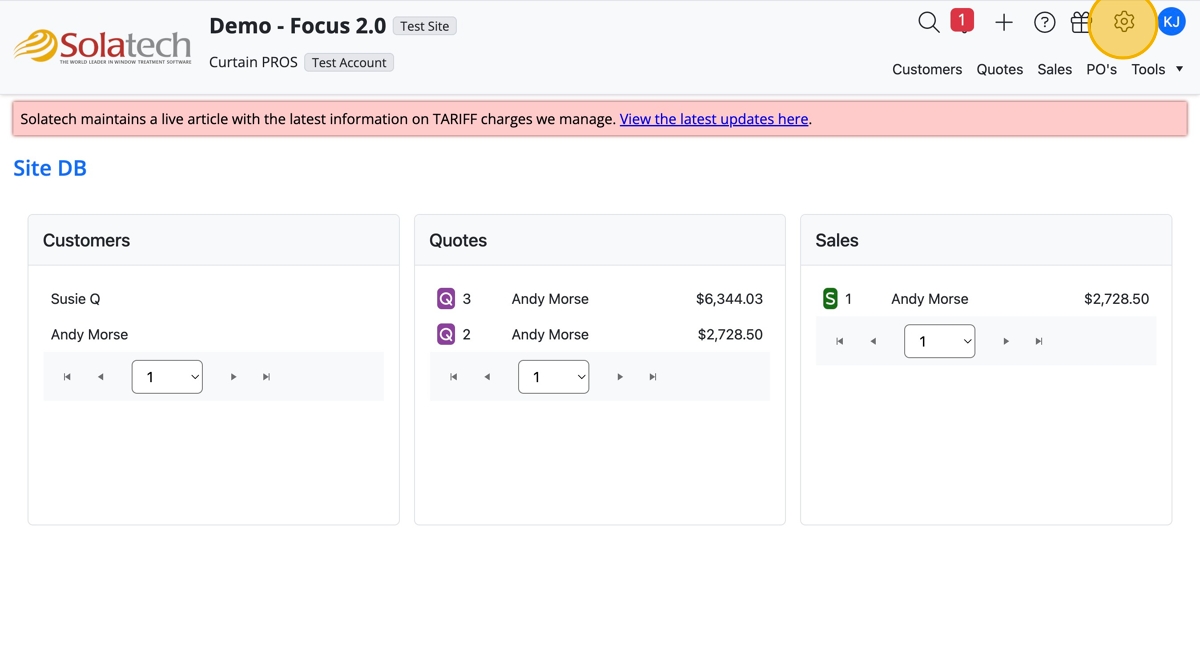
  1. Click the "Settings" gear icon

  1. Click "Your Account Settings"

  1. Under Integrations, click "Google" or "Microsoft"
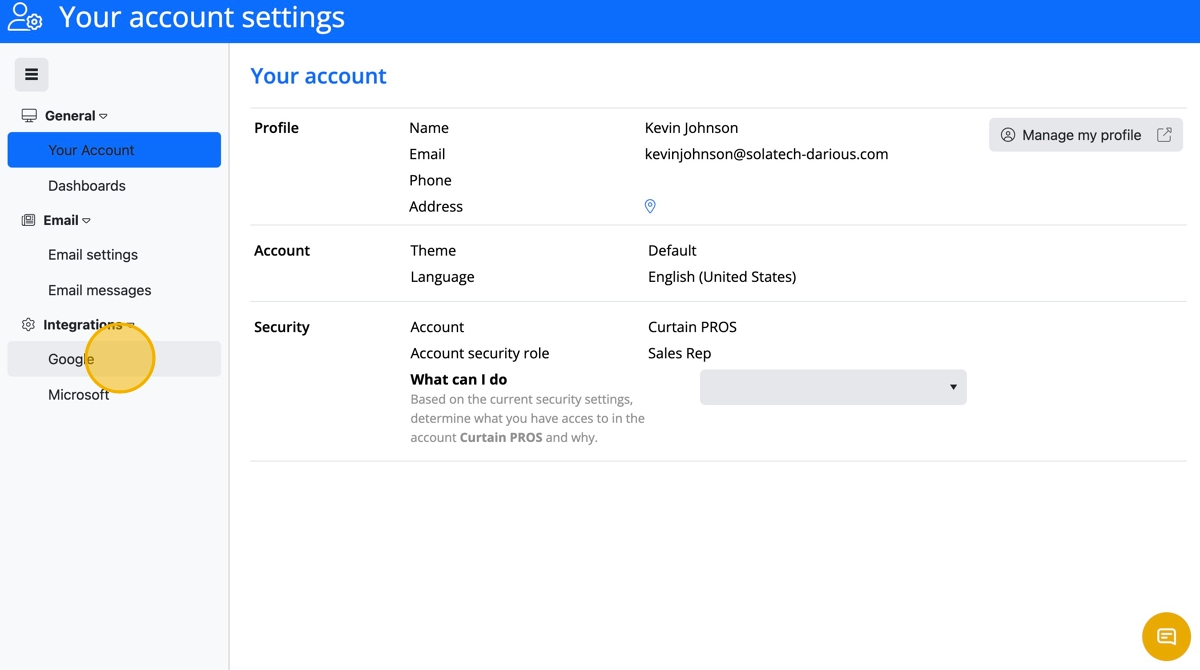
  1. Click "Sign in with Google" or "Sign in with Microsoft" button
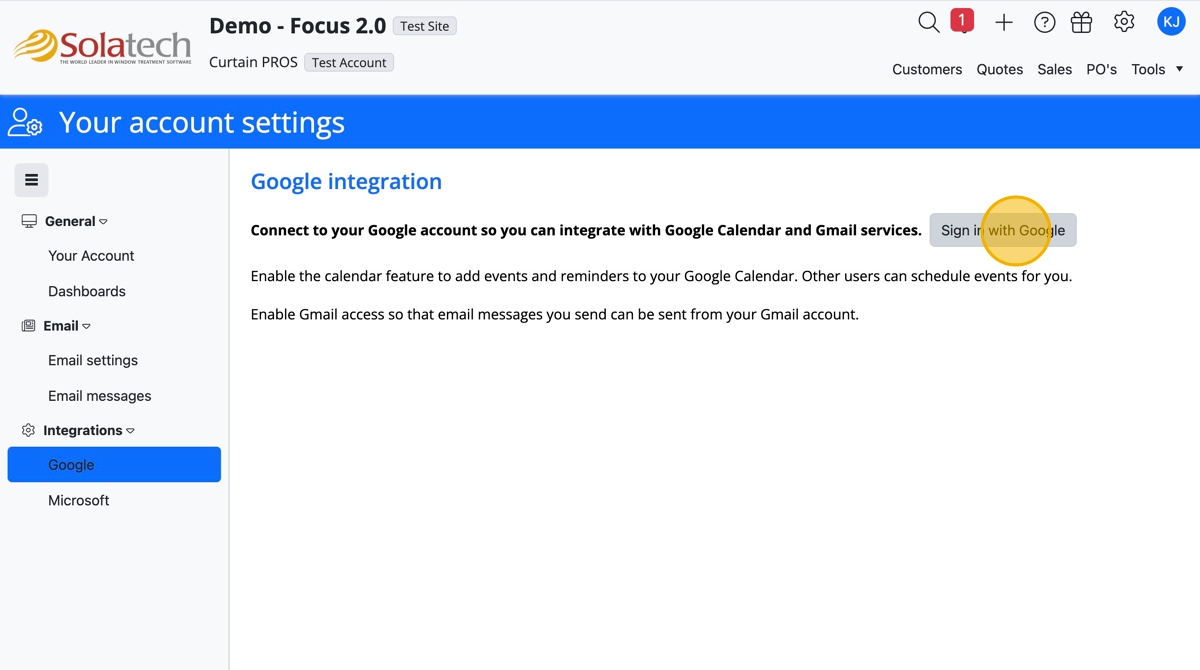
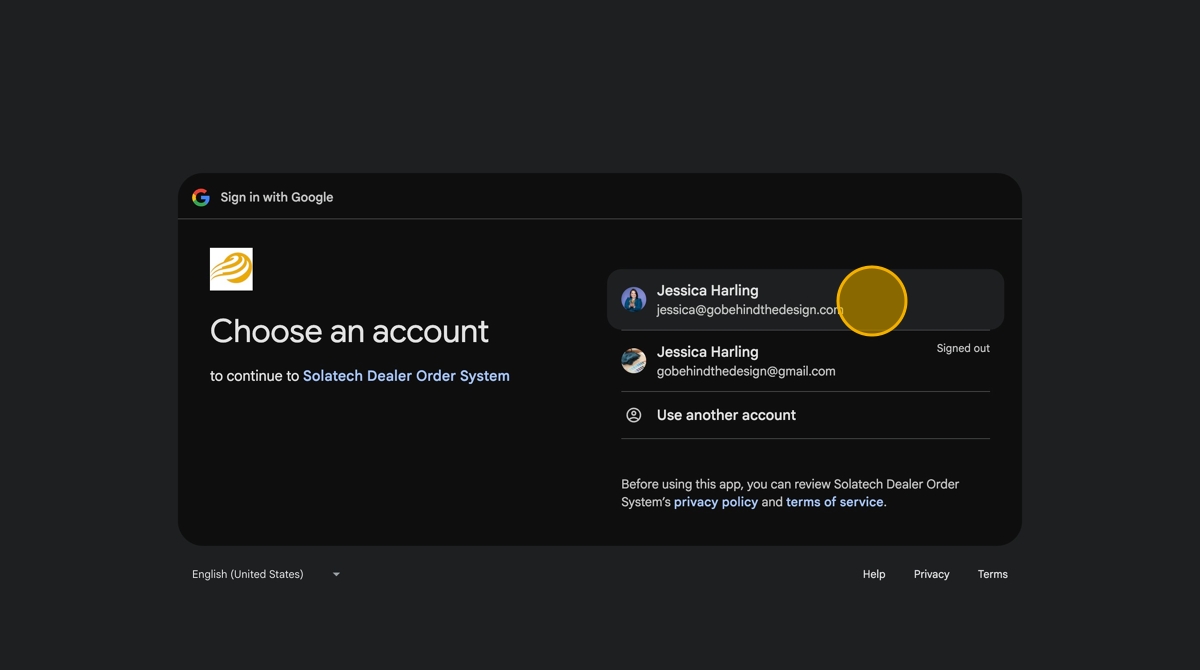
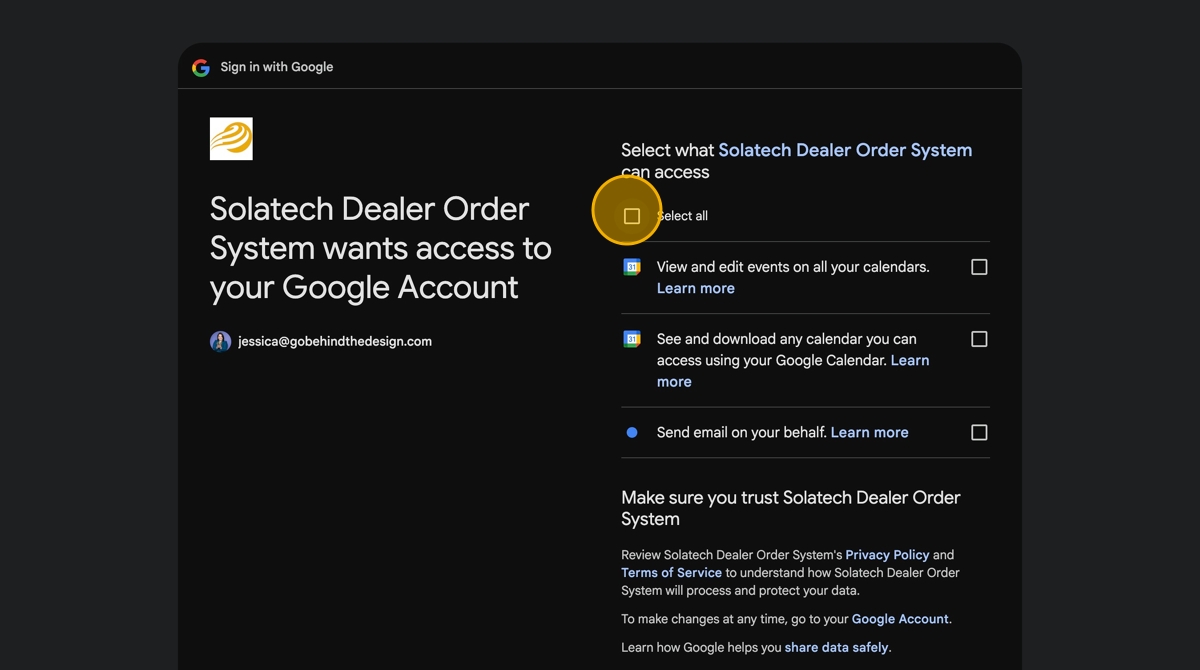
  1. Choose your gmail address

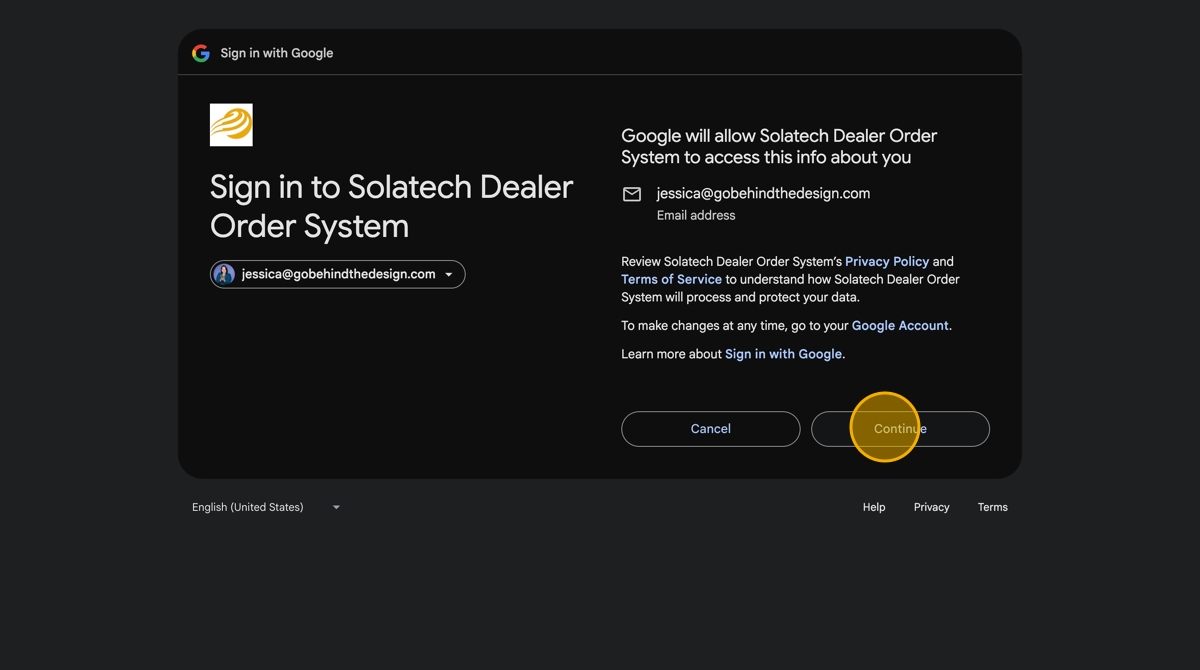
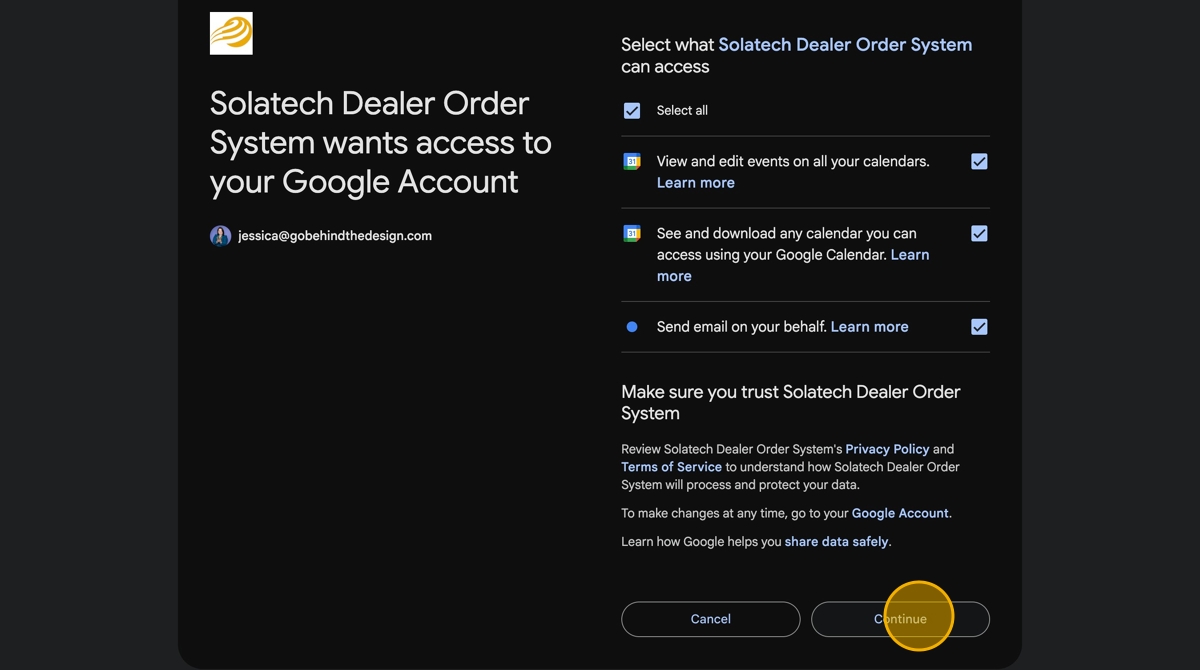
  1. Click "Continue"

  1. Click "Select all" checkbox

  1. Click "Continue"

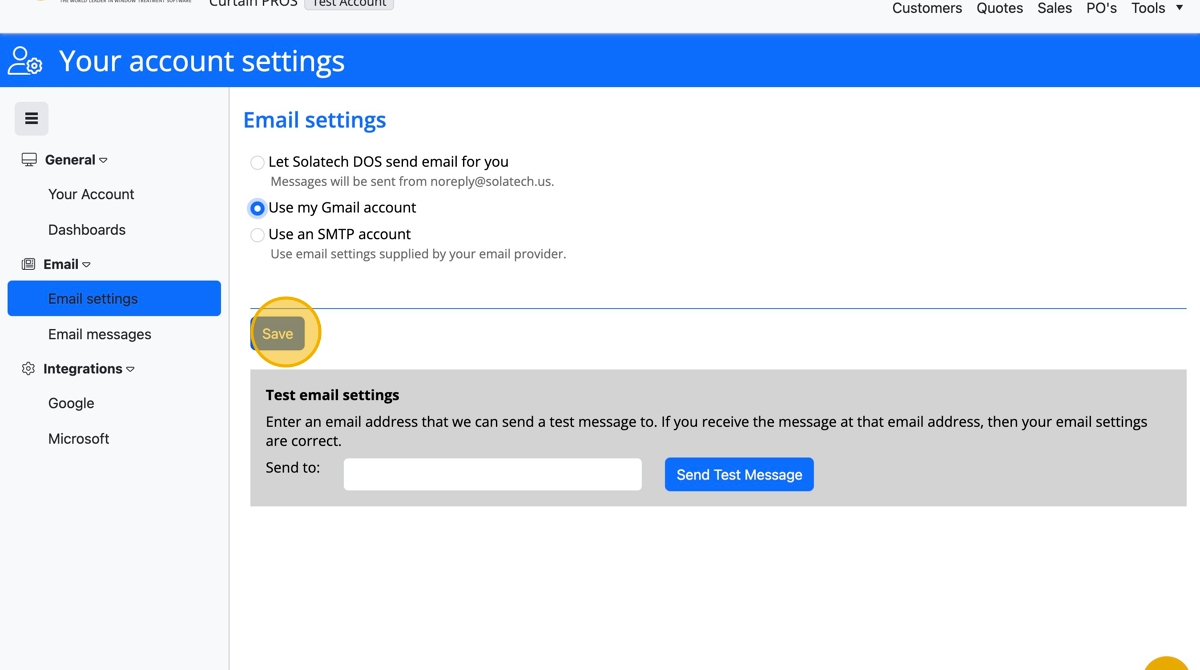
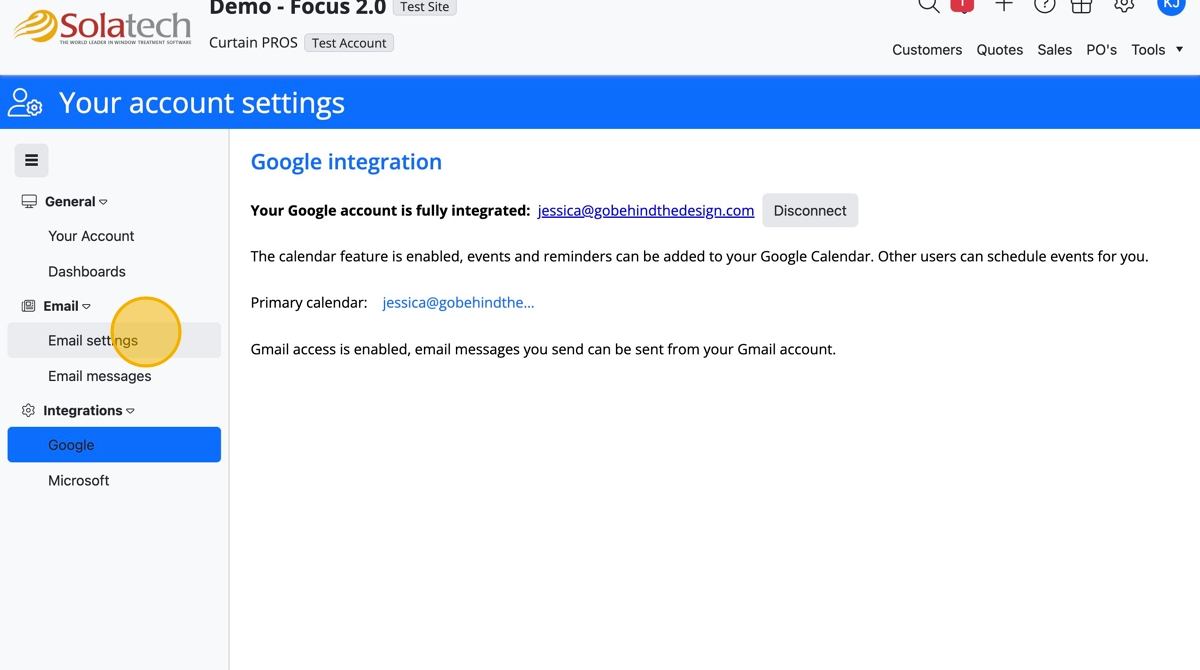
  1. When connected, navigate back to Email section and click "Email settings"
  1. Click the "Use my Gmail account" or "Use my Microsoft" field (this field populates only when taking the steps to integrate first)
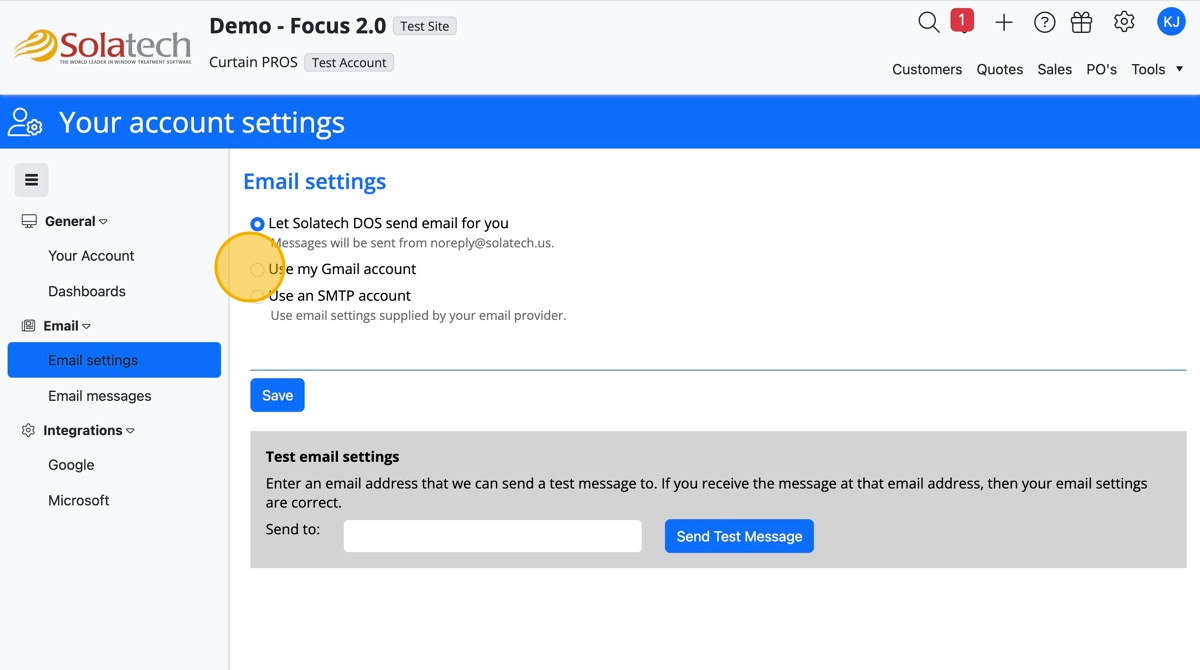
  1. Click the "Save" button

  1. To test the email sync, type in your email to the "Send to" field and click "Send Test Message" button

    • Related Articles

    • How to Setup Email for Gmail, AOL, or Microsoft Office 365

      Summary This article explains how to setup email in SalesPRO for two commons email carriers:  Gmail and AOL.  Setting up email allows you to send quotes and orders from SalesPRO, via email using predefined templates. For more information on emailing ...
    • How to setup Outlook, Gmail or AOL for use in Email Manager for Fab

      Summary This article explains how to setup email in Solatech for three common email carriers: Microsoft Outlook, Gmail and AOL. Instructions for Microsoft Outlook Close Solatech 4.2 Install Hotfix 12182017, using this link: Hotfix12182017 Open ...
    • Microsoft O365 Setup & Integration for Focus 2

      Summary This guide provides a straightforward method for connecting Focus 2 to your Microsoft Office 365 account, enabling you to send quotes to customers through Focus 2, from your O365 email account. This eliminates the need to cycle between ...
    • How to setup email for use with Microsoft Outlook in SalesPRO

      Summary This article will describe how to setup Microsoft Outlook for use with the SalesPRO software. Please note that this method requires that you are use Microsoft Outlook as your e-mail client on your computer (NOT Outlook Online, or any other ...
    • Setting up Google Calendar and Gmail

      Summary Solatech Focus users can integrate with Google Calendar to schedule appointments through the system. If you are using Gmail as your mail provider, you can set that up in the same step. This knowledge base article will provide instructions on ...