How to create and edit Terms and Conditions

How to create and edit Terms and Conditions


How to create and edit Terms and Conditions

This is a process for creating and editing Terms and Conditions for contracts and invoices.


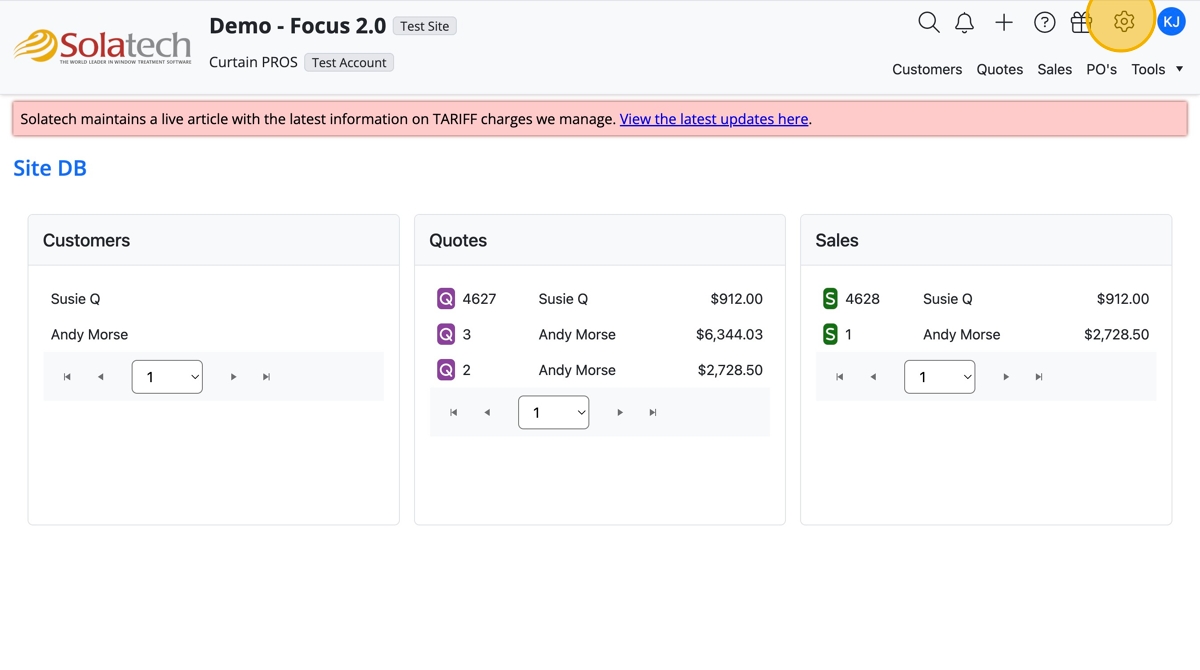
  1. From any screen, click the settings gear icon
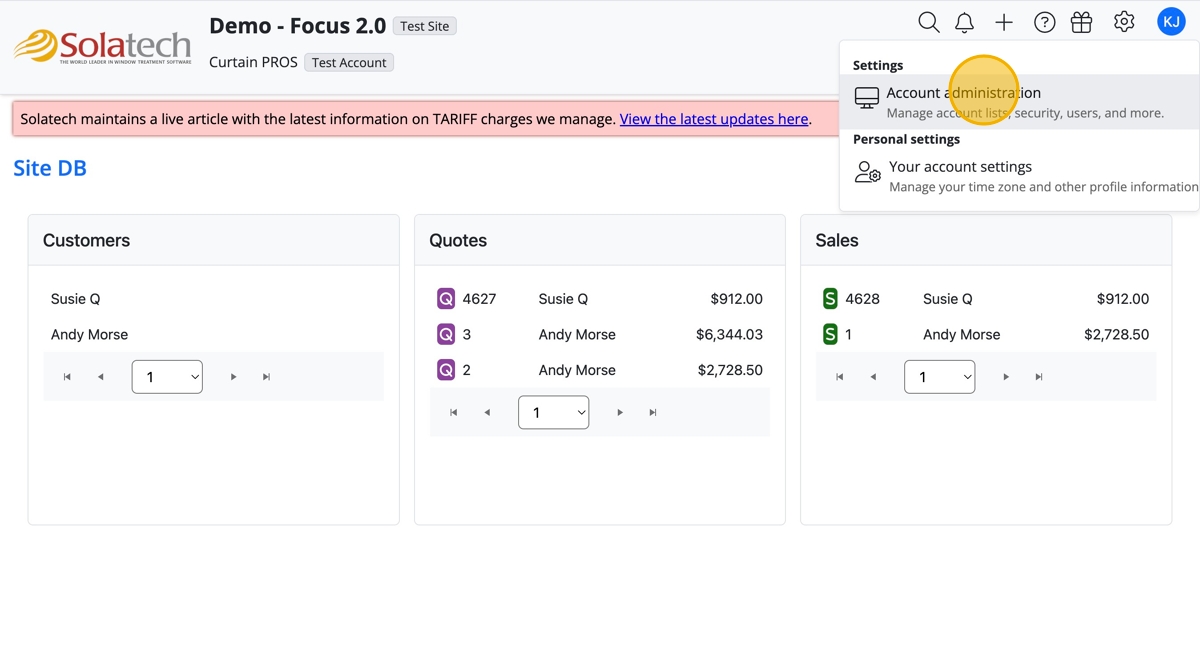
  1. Click "Account Administration"

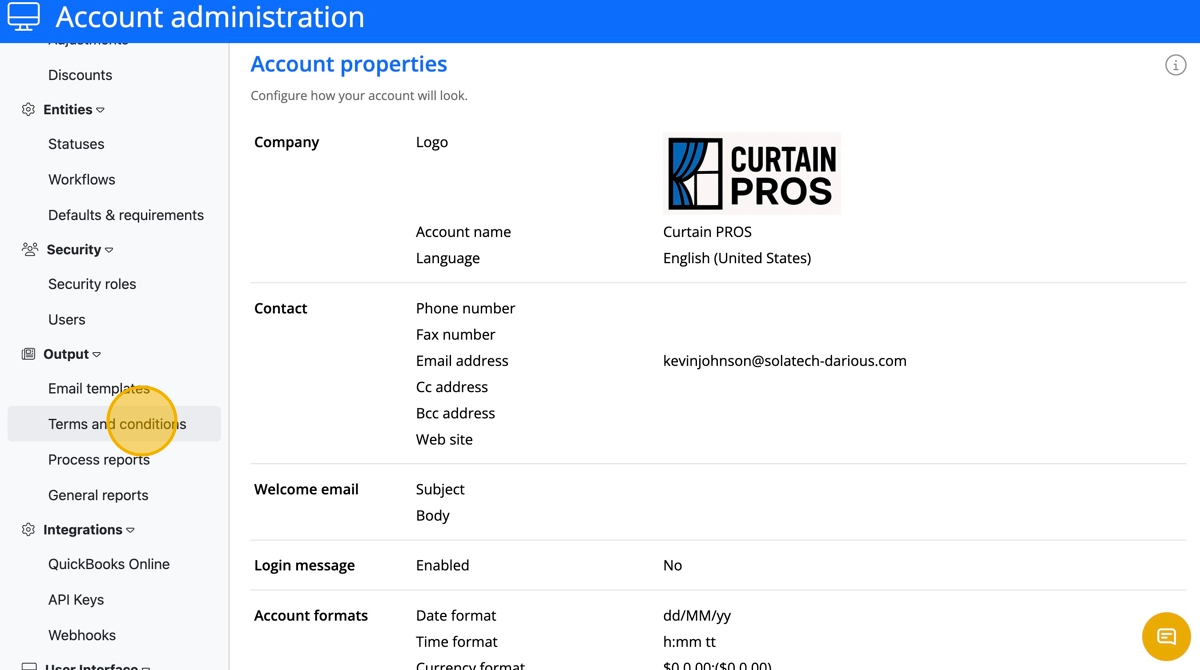
  1. On the left navigation click "Terms and conditions"
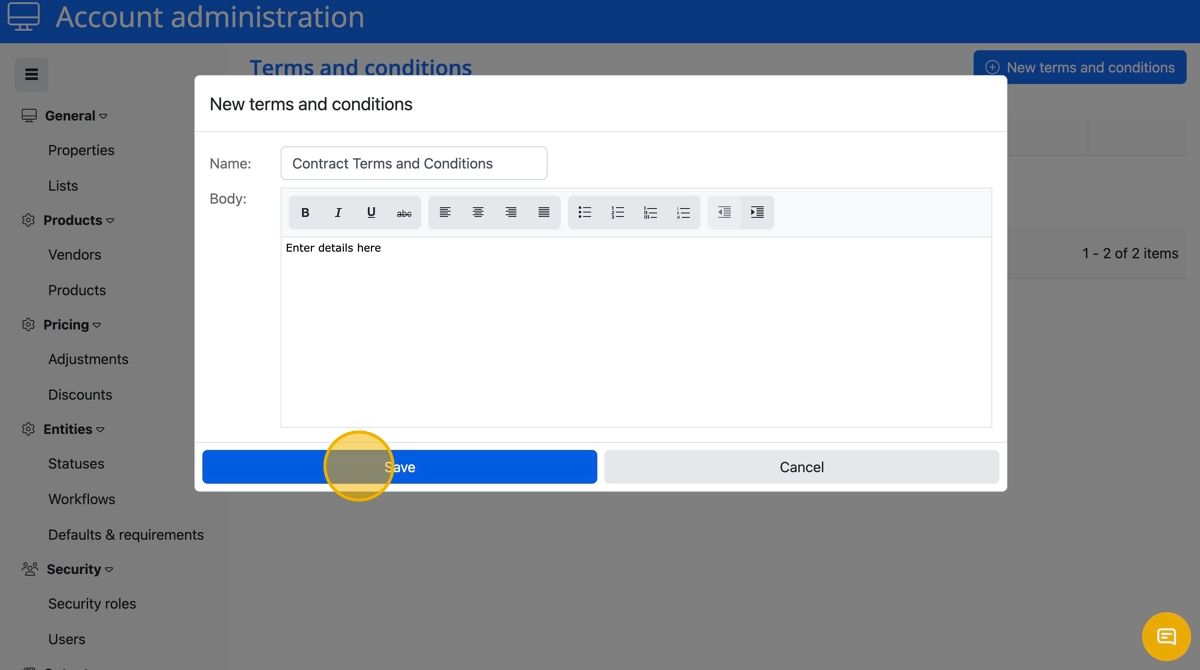
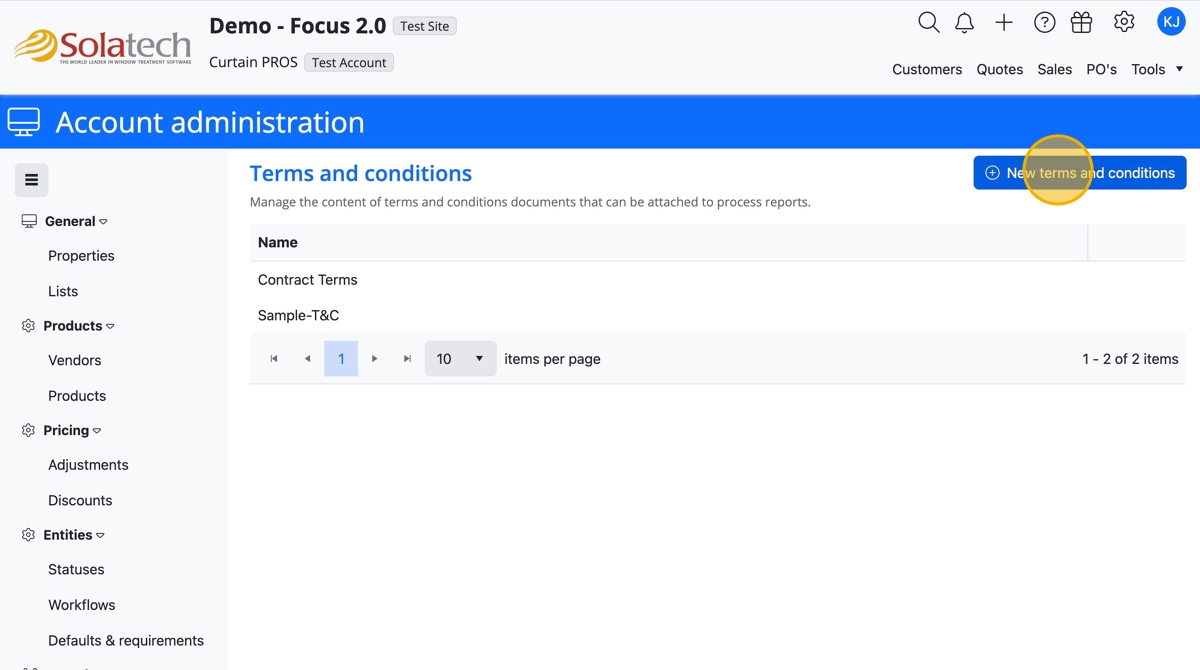
  1. Click the "New terms and conditions" button
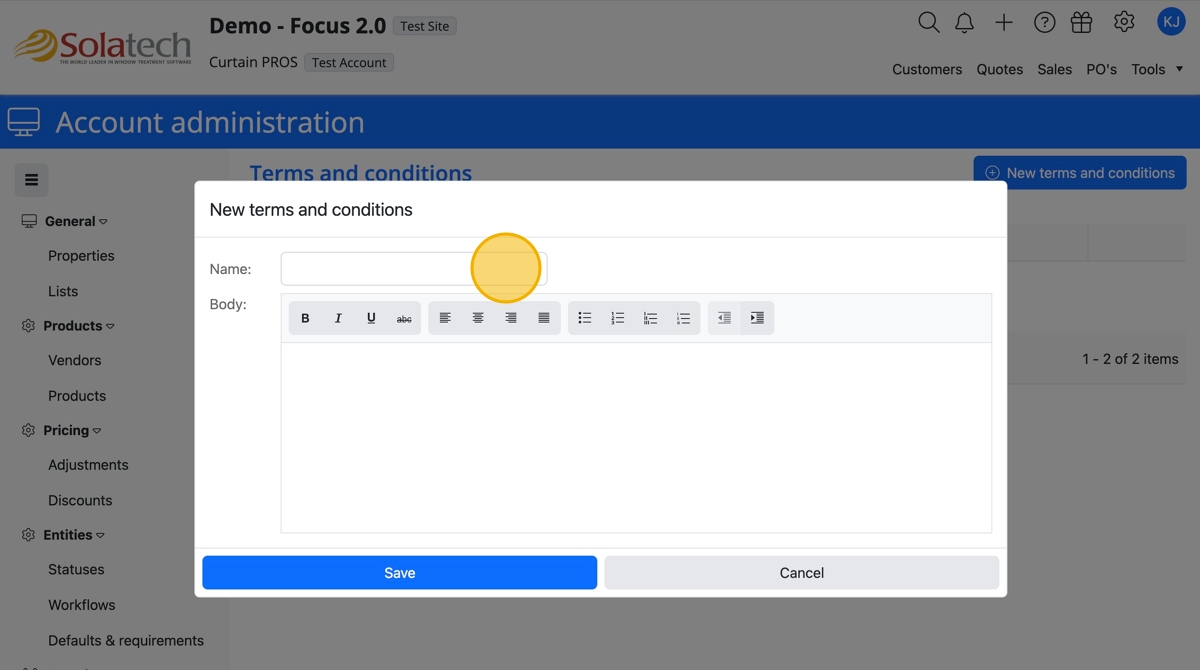
  1. Click the "Name" field to add a title to the Terms
  1. In the Body field, type in the details of the terms
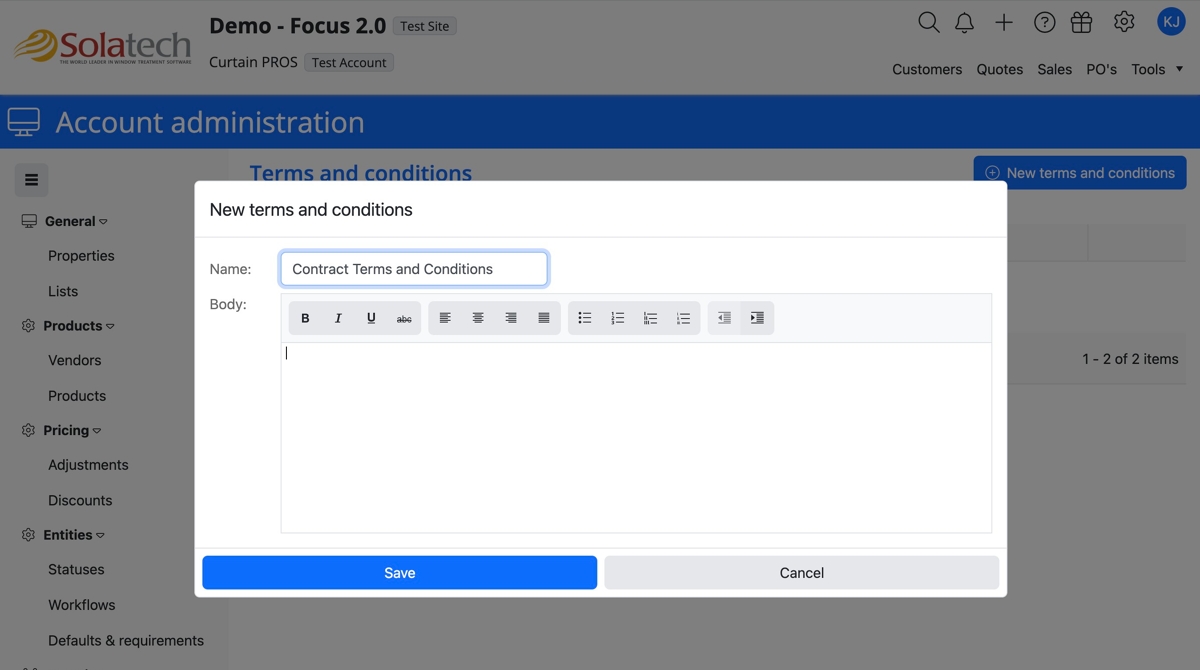
  1. Click the "Save" button

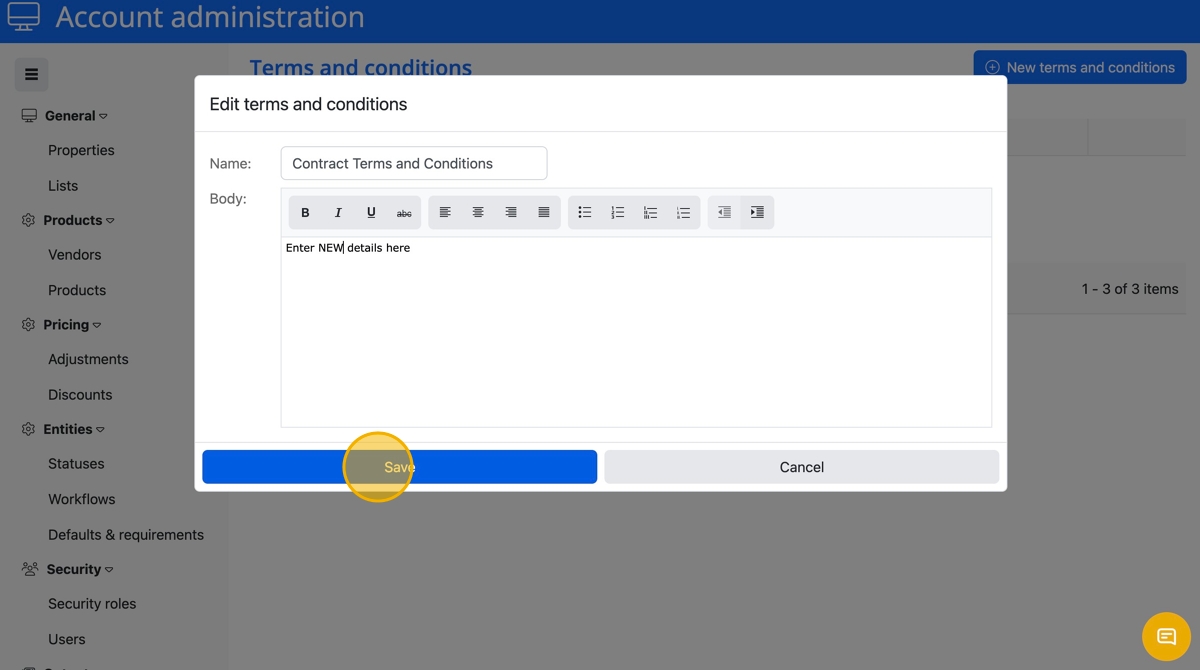
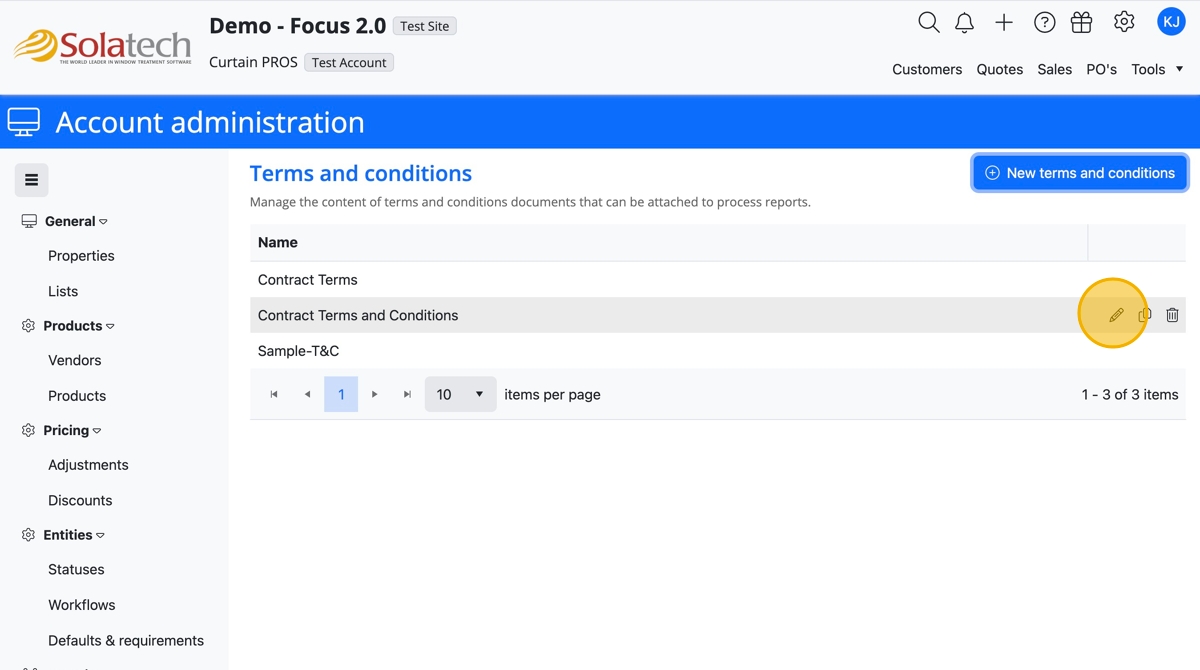
  1. To edit, click on the pencil icon to edit
  1. Click the Body field to edit term details


  1. Click the "Save" button

    • Related Articles

    • Creating Terms and Conditions in Focus 2

      Creating Terms and Conditions in Solatech System This guide will anyone looking to effectively create and/or manage Terms and Conditions (T&Cs) within Solatech Focus 2. It provides a straightforward, step-by-step process that simplifies the setup, ...
    • Setting up Terms and Conditions for your Process Reports

      Summary Account Administrators can setup multiple versions of Process Reports that can be printed, previewed or emailed to customers or other users. This knowledge base article will describe how to setup and attach your Terms & Conditions to your ...
    • How to add Terms and Conditions to a Process Report

      Summary This article will explain how to add information and/or images to the Comments section on an invoice. For example, “Terms and Conditions”, Notifications or images may be placed in the “Totals and Other” section of a report. The following ...
    • How to Modify Terms and Conditions on a Process Report

      Summary This article will explain how to modify existing Terms and Conditions on a Process report.  More Information Before modifying a report, you may want to make a backup copy, as a precaution. From the Setup tab, click on Process Reports. The ...
    • How to Add Terms and Conditions to a Process Report

      Summary This article will explain how to add terms and conditions to a process report . More Information Before you begin, you will need to create a terms and conditions file in an .rtf format. The file can be created in Word, and then saved as a ...