How to record a payment
How to record a payment
How to record a payment
This is step-by-step process for recording payments on a new sale making it ideal for users who need to efficiently manage transactions.
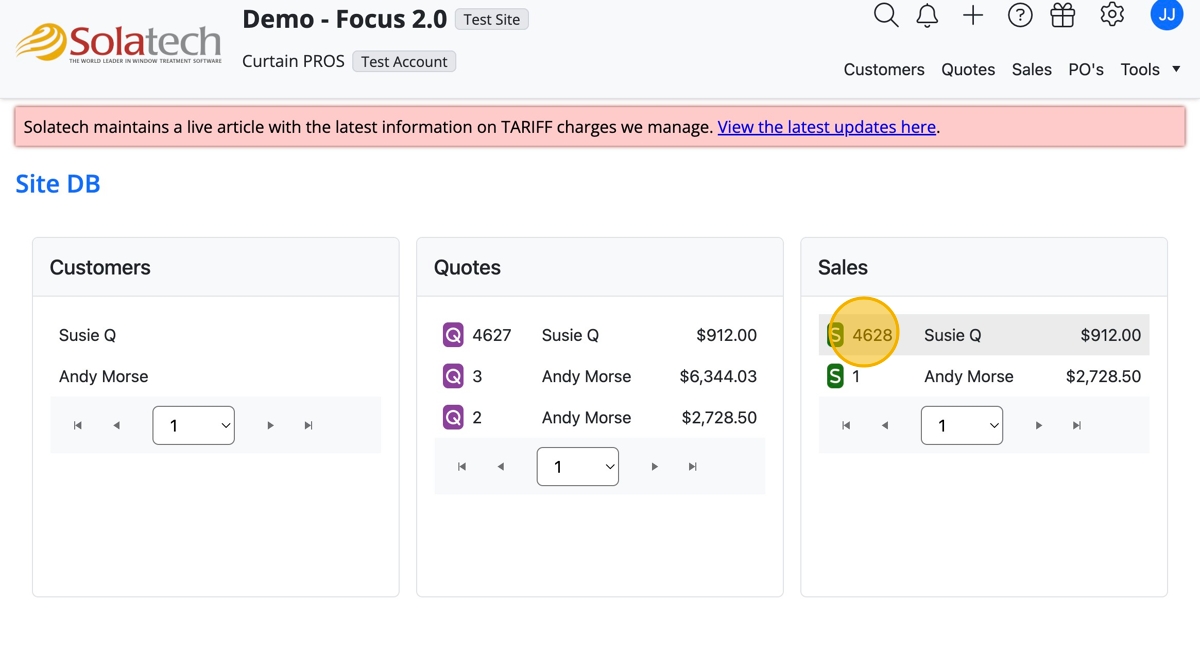
- Navigate to and click on the Sale number to open the Sale record
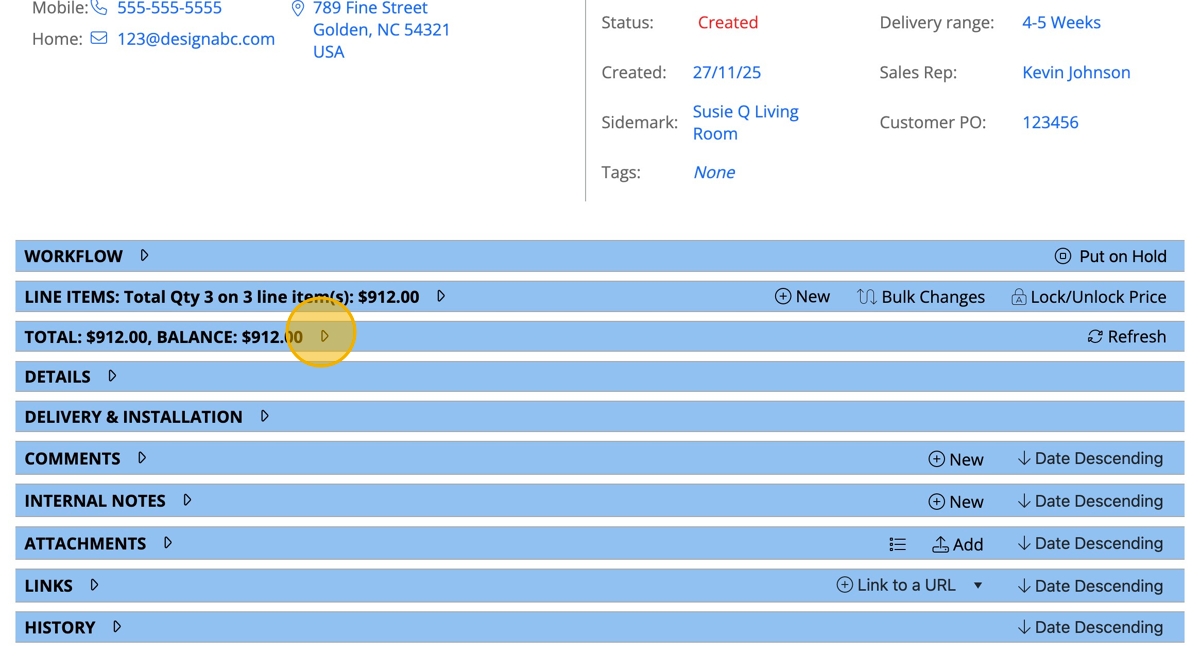
- Click on the "Total" banner arrow to expand the details
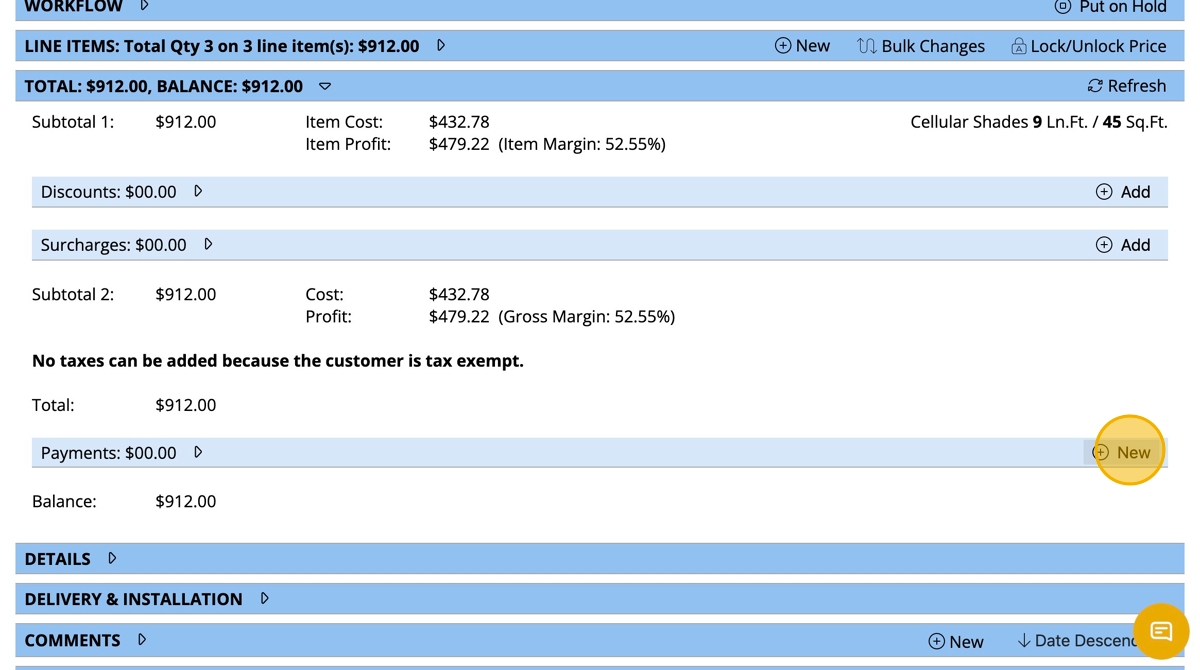
- To record a deposit or balance paid, click "+ New" on the Payments line
- Click "Payment Type" dropdown to select the appropriate option
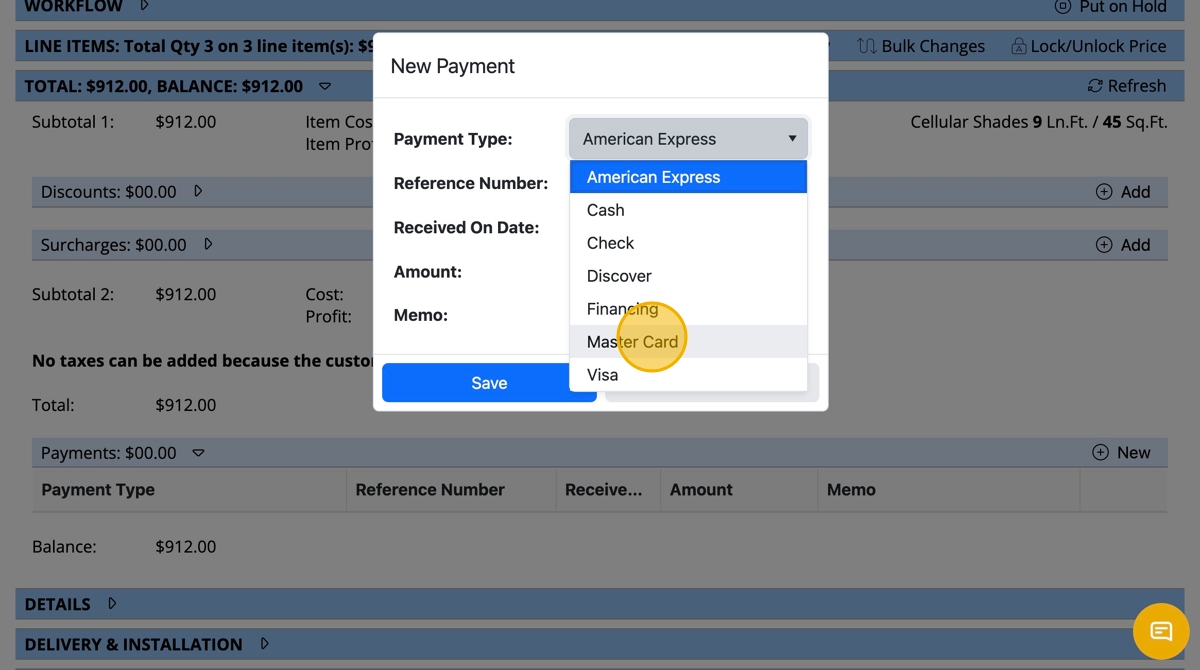
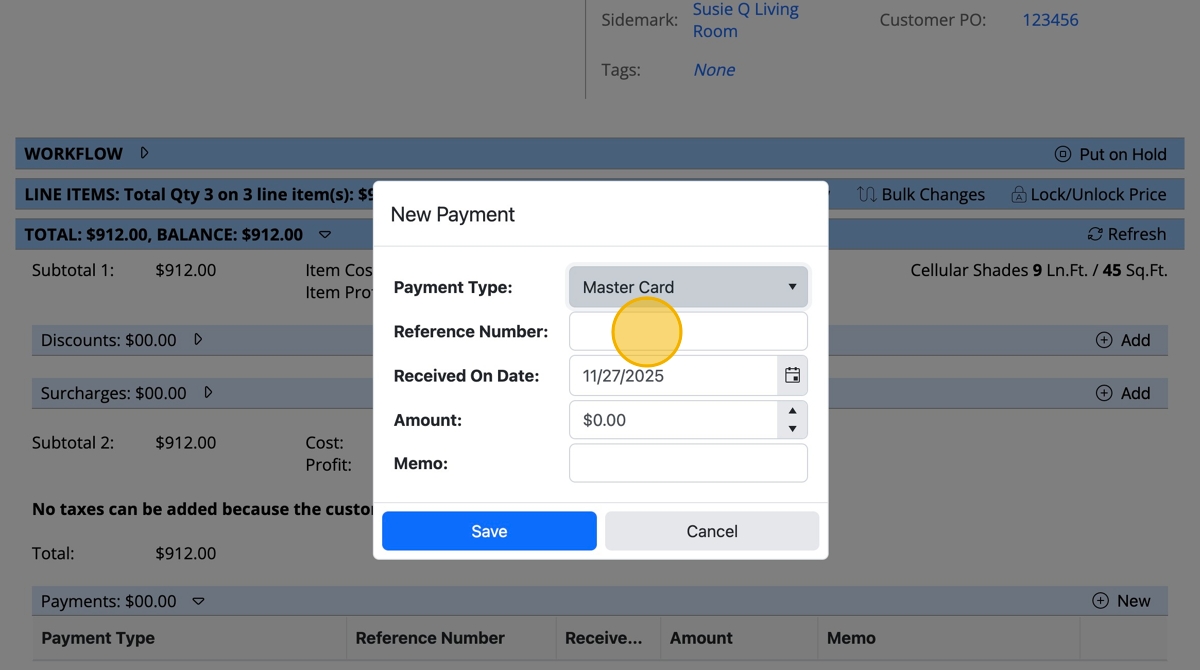
- Click the "Reference Number" field to record the credit card last 4 digits, check number or other type of identifying number
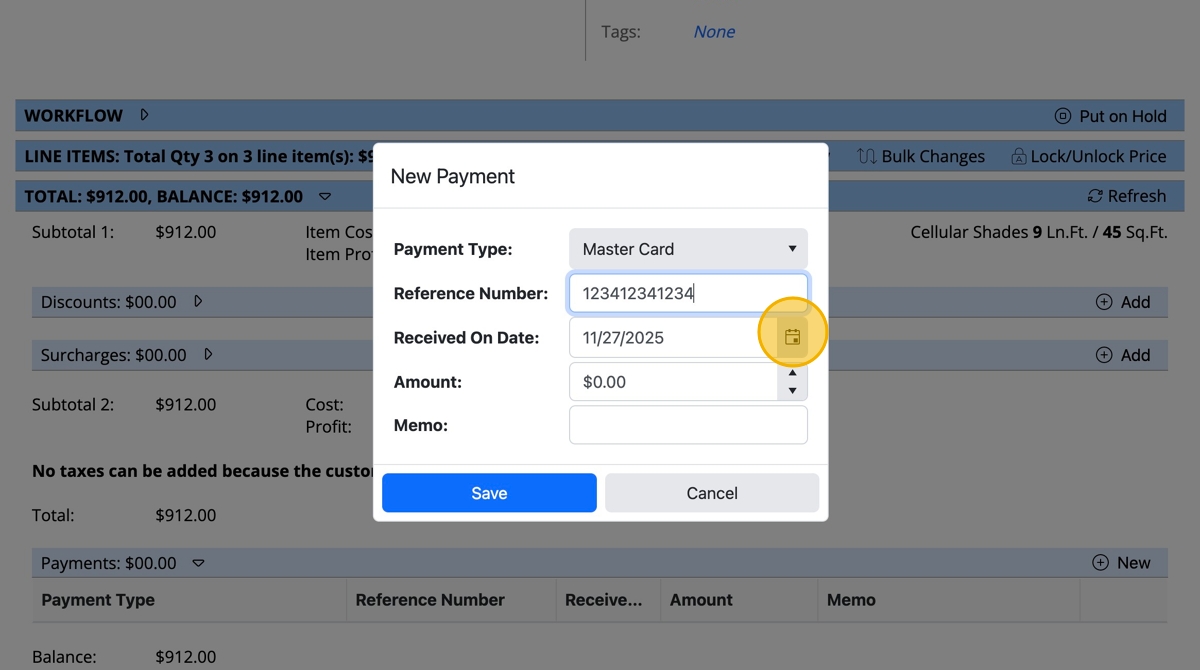
- Click on the calendar icon to adjust the date the payment was received
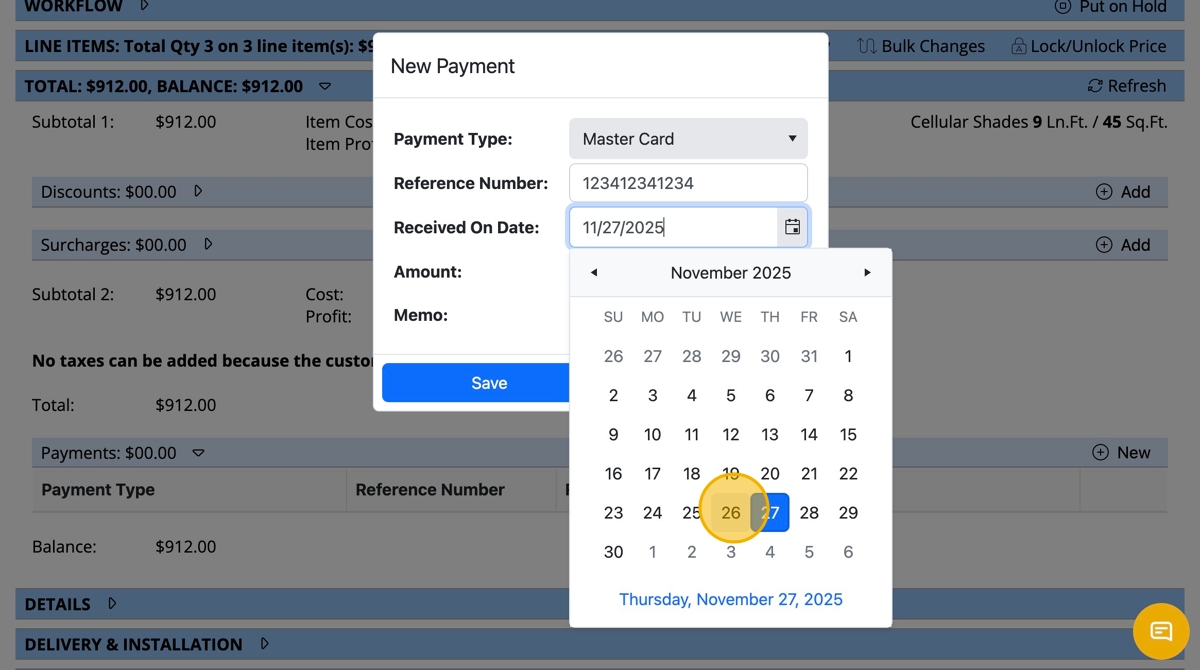
- Choose the payment "Received On Date"
- Type in the "Amount" of the payment (i.e. deposit or balance)
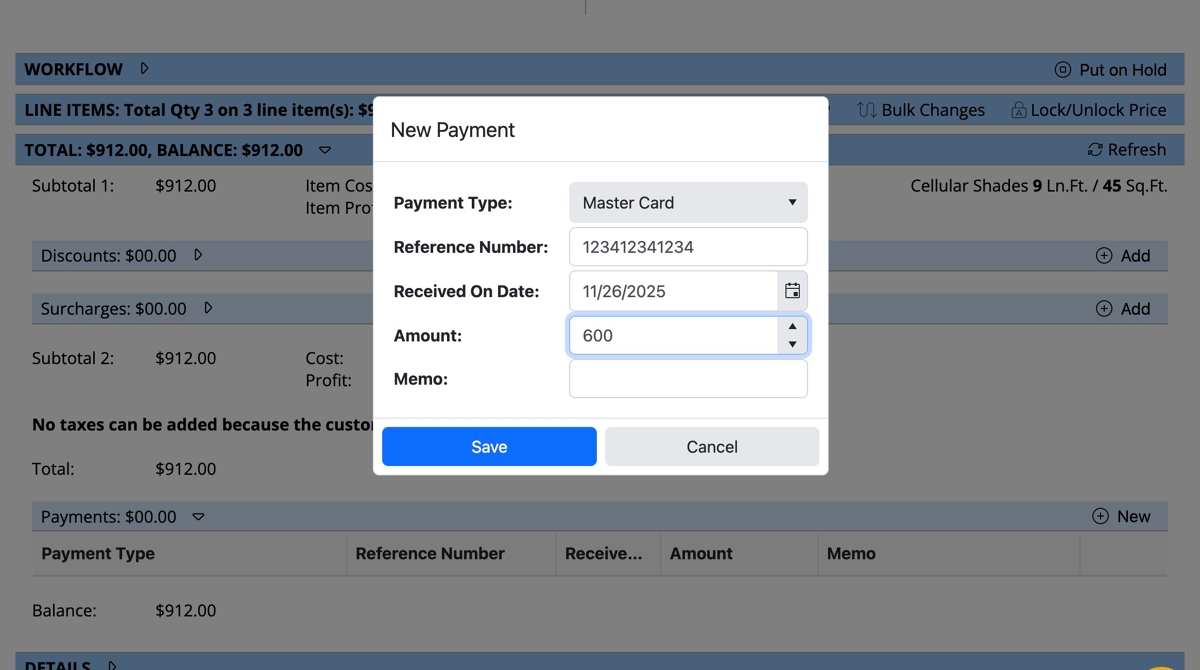
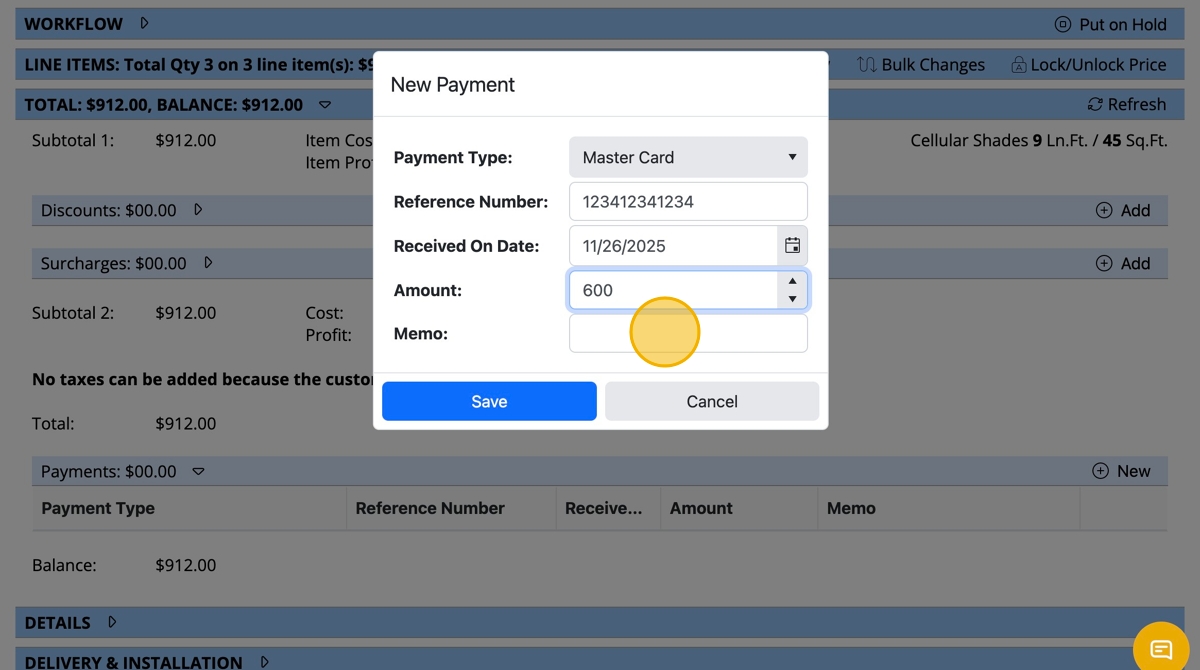
- Click the "Memo" field to add a note
- Click "Save"
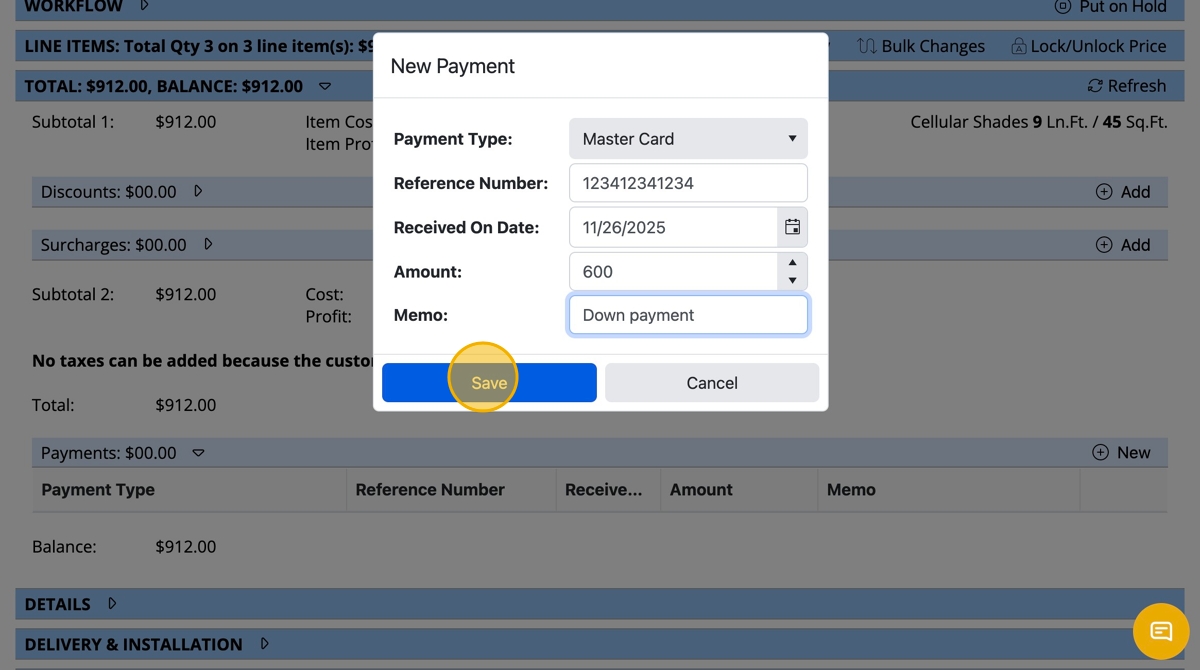
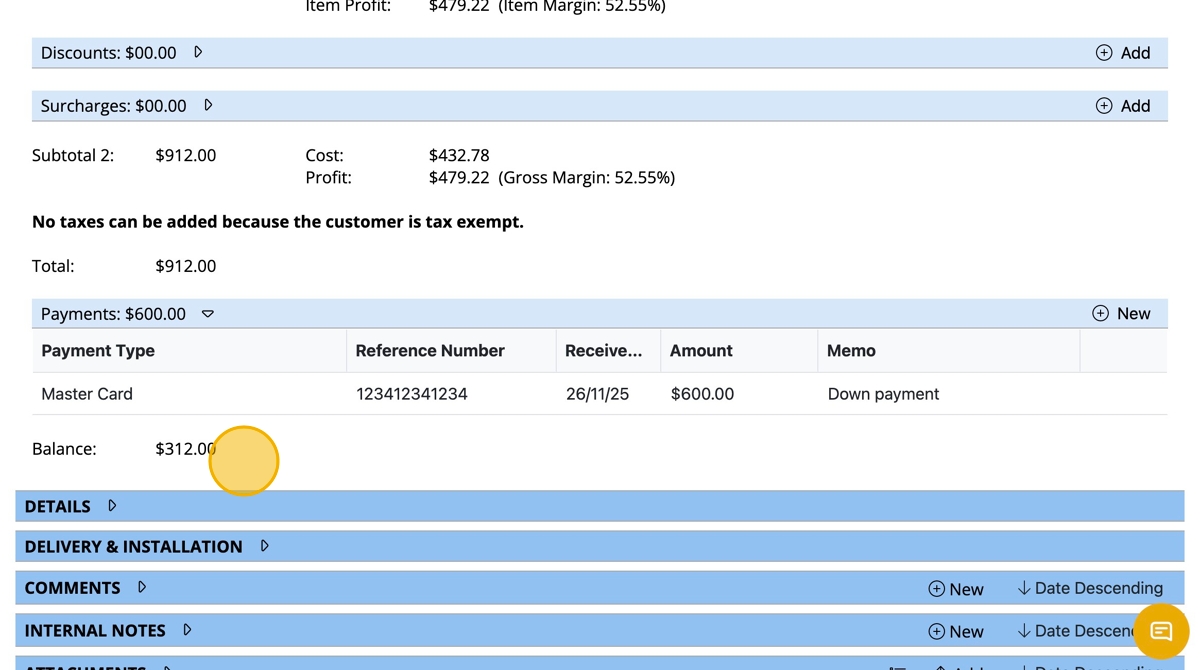
- Once saving, the amount of payment will be applied toward the total amount of sale showing the balance due under the payments line on the Sale page.