How to navigate line items in Quotes - Duplicate, Edit, Move, Add a Note
How to navigate line items in Quotes: Duplicate, Edit, Move, Add a Note
This guide provides a method for duplicating line items in Quotes, streamlining your workflow and saving time. By following the simple steps outlined, users can efficiently replicate entries, ensuring accuracy and consistency in their quotes.
- Login to Solatech
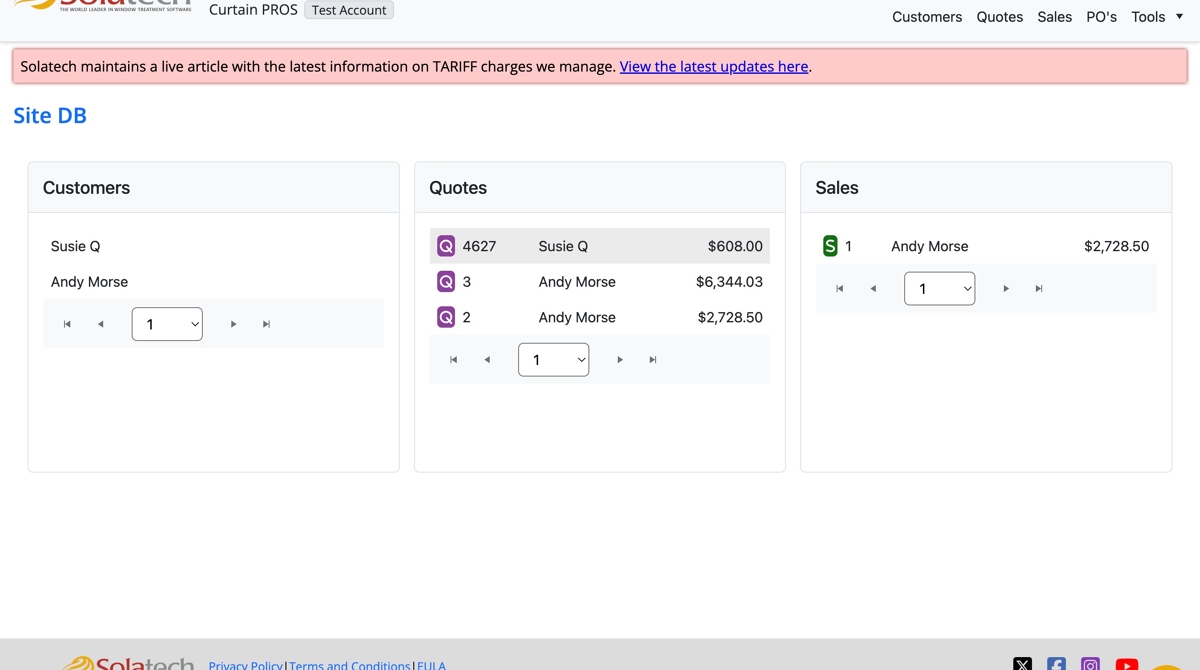
- Click on the Quote Number found on the Dashboard or click the "Quote" or "Customers" tab to look up a quote

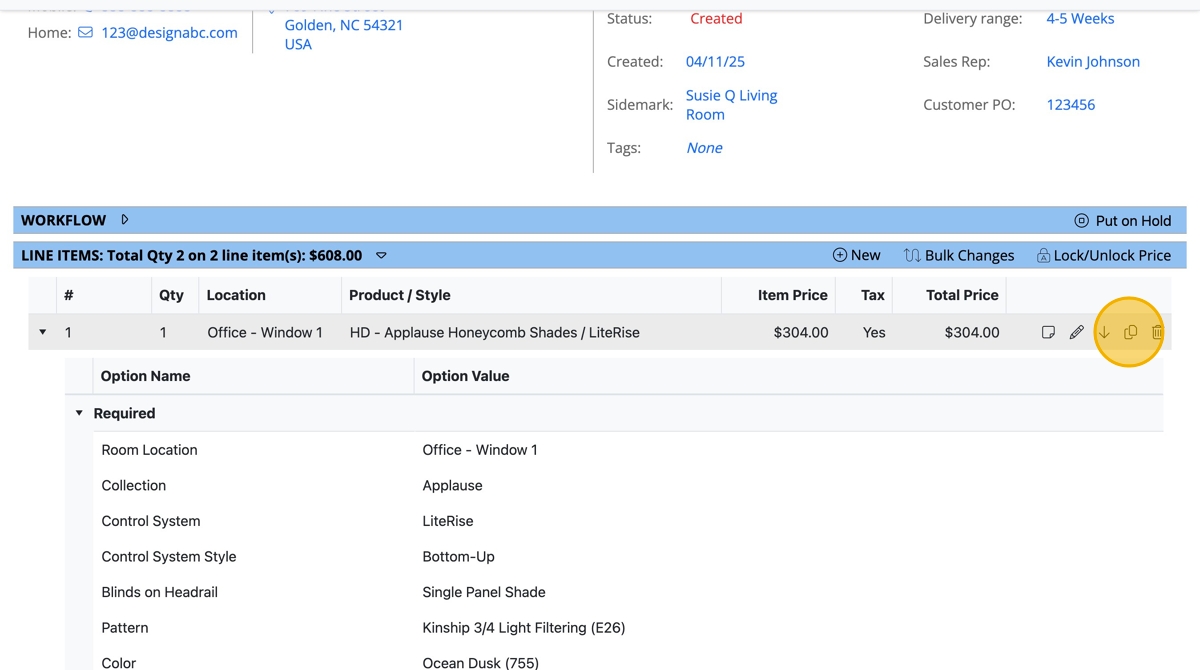
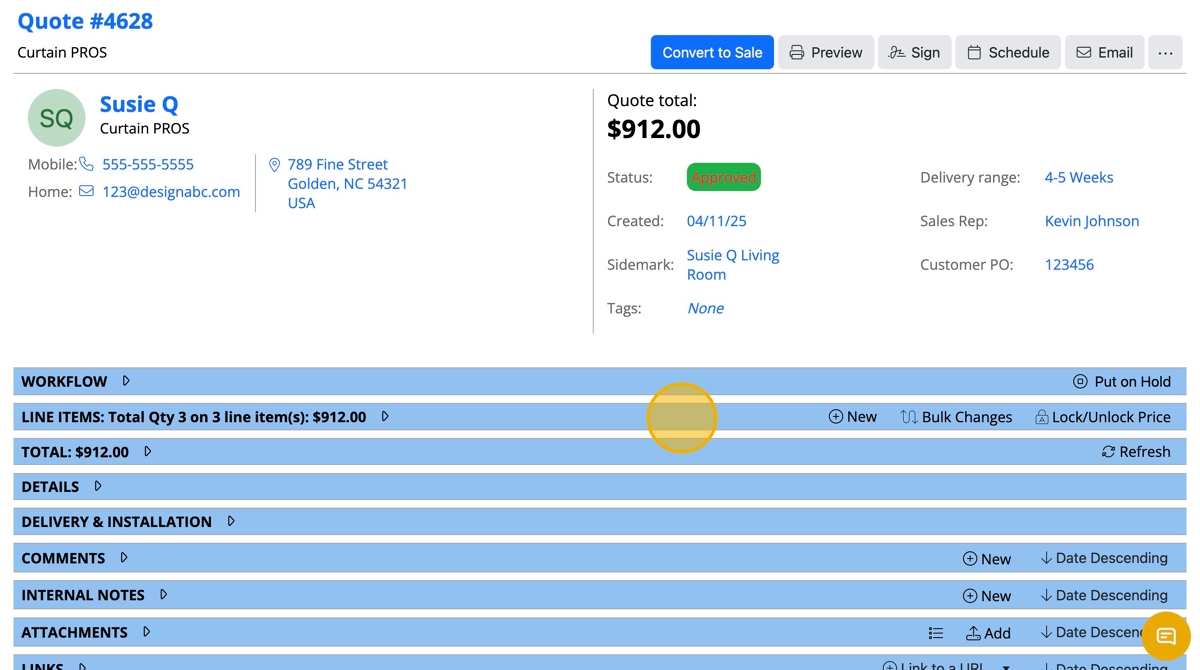
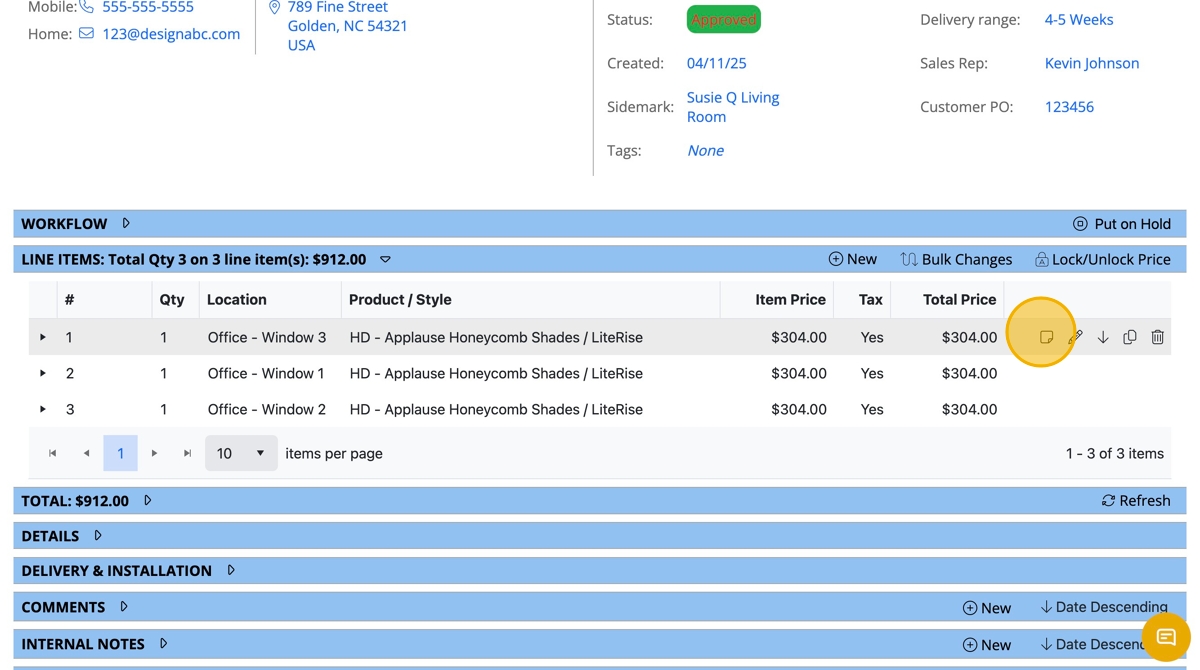
- On the Quote page, scroll down to the "Line items" banner and click to expand the details

- To the right of the line item wanting to duplicate, click the "double page" icon to "Duplicate" the line item
- Click "OK"
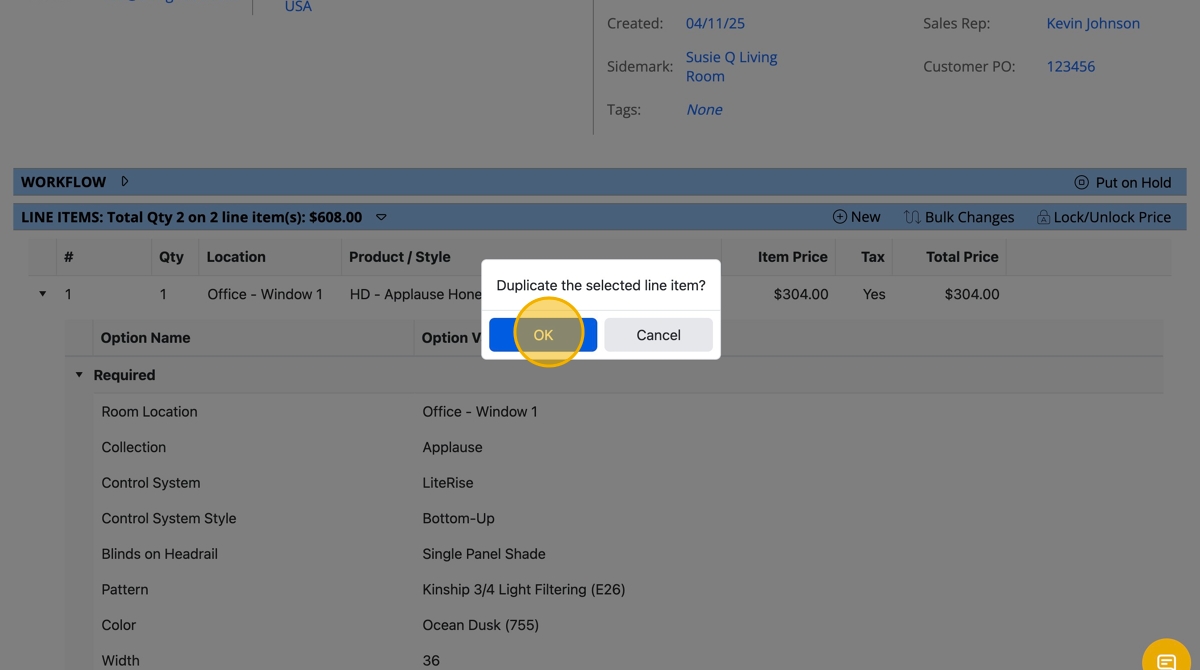
- Click "OK"
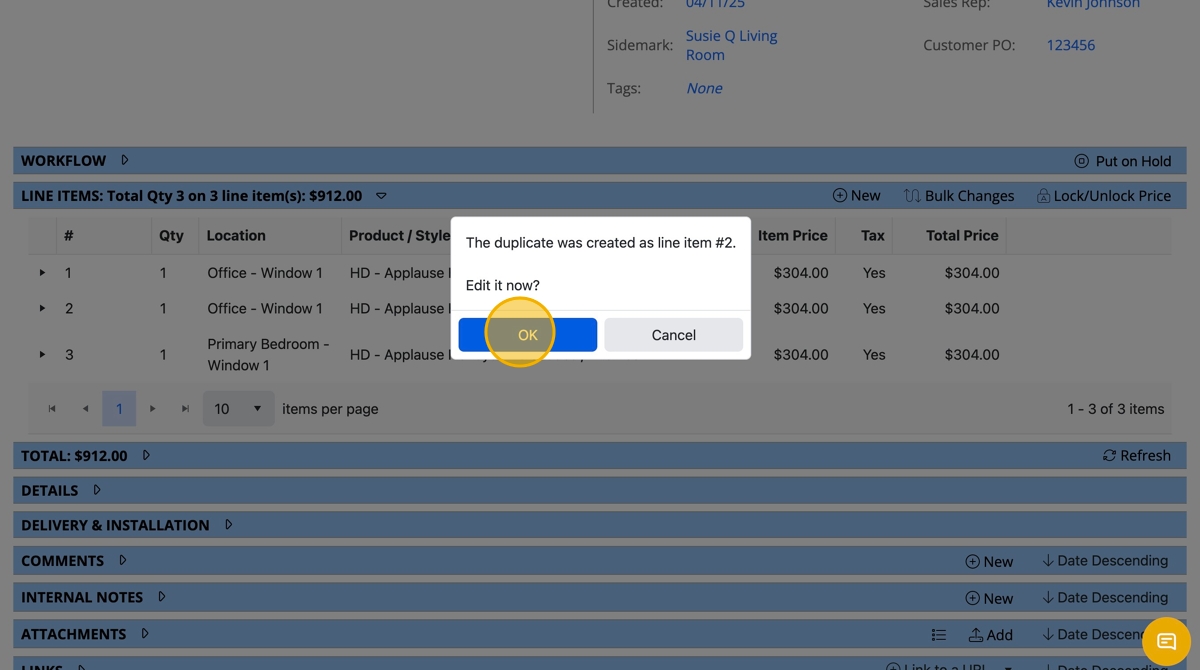
- Revise any appriate details, i.e. "Room Location"

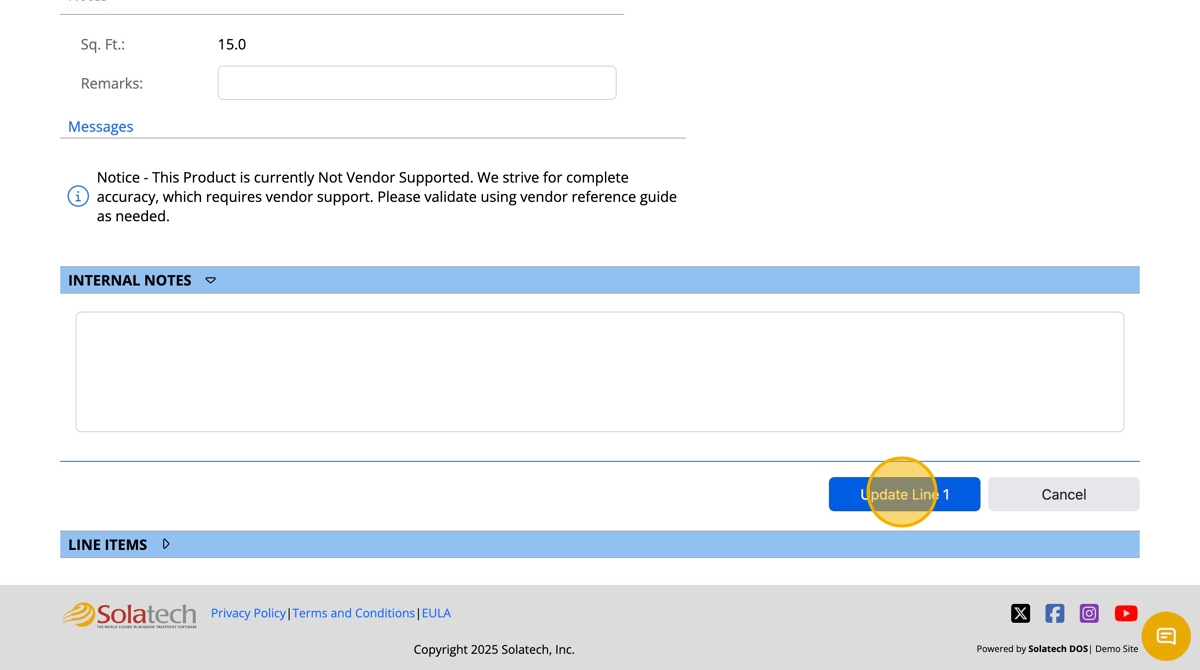
- Click "Update Line #"

- In order to adjust line items further, navigate back to the "Line items" banner and click to expand
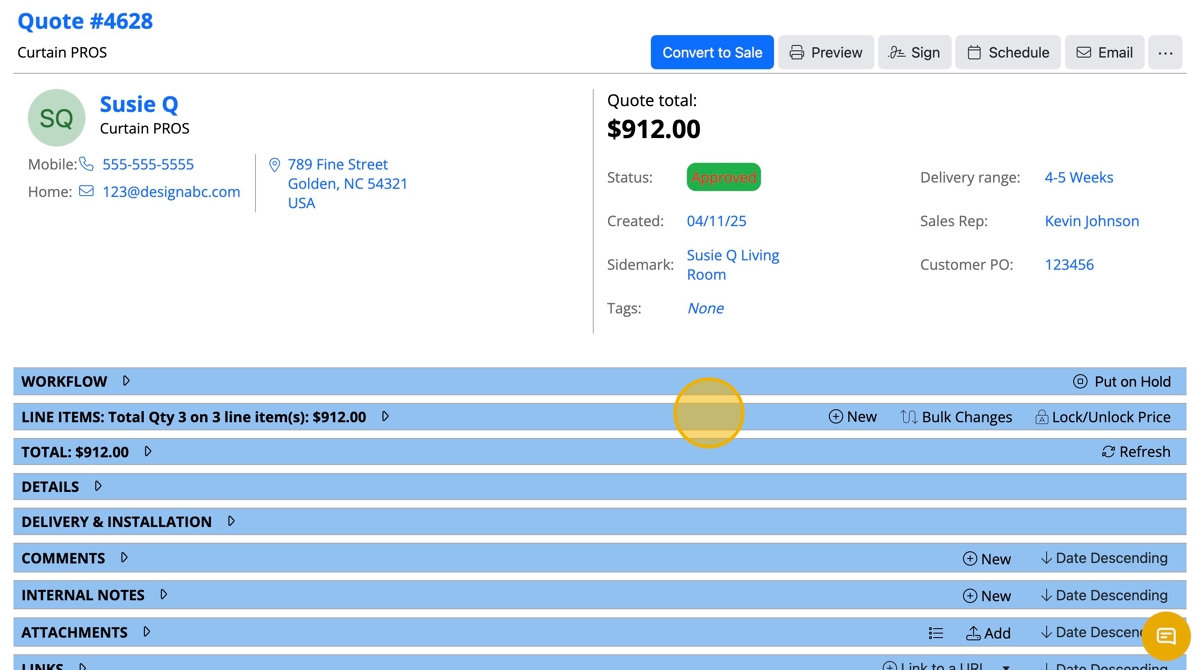
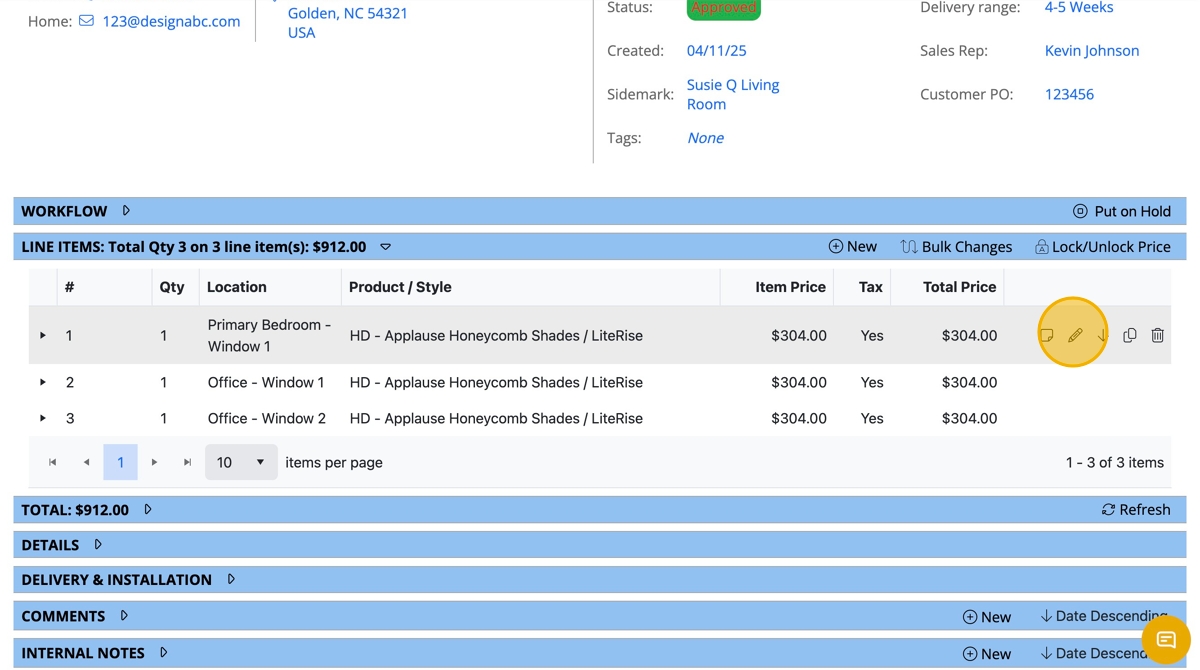
- In order to move a line item on the quote above or below another, click the up or down arrow on the right as many times as needed for the correct placement on the list

- In order to edit a line item, click the pencil icon
- Click on the appropriate fields to update the selections

- When finished, click "Update Line #"
- To add a note, navigate back to the Quote page under the "Line Items" banner and click to expand
- Click the square post it icon to add or edit a note
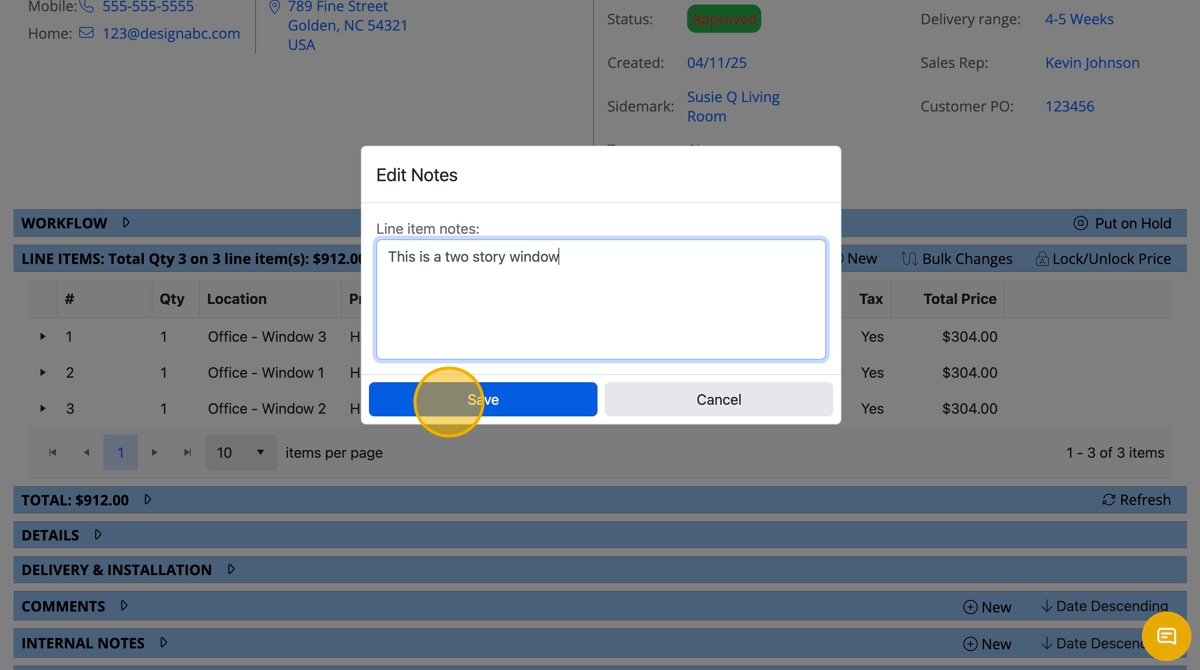
- Click the "Line item notes" field to type in a note

- When finished, click "Save"