How to lock and unlock pricing on a Sale

How to lock and unlock pricing on a Sale


How to lock and unlock pricing on a Sale

This guide shows you how to lock or unlock pricing for a Sale. Once a sale is confirmed, remeasure complete, and/or sale ordered, it's best practice to lock a price so no other users can adjust the pricing.


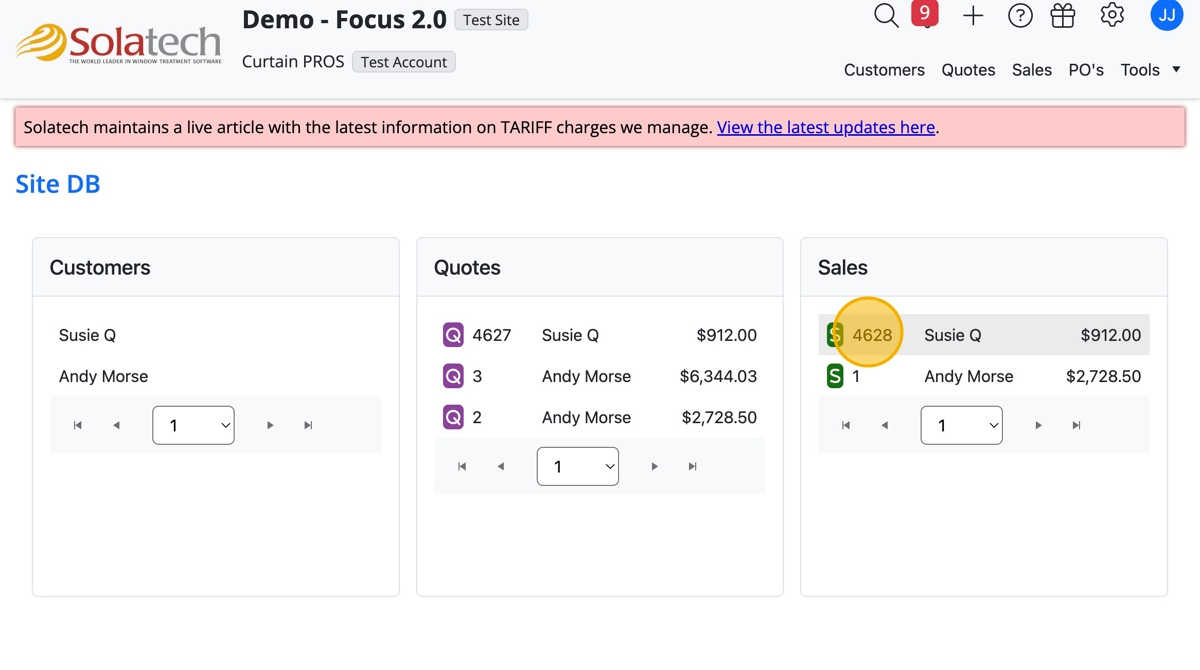
  1. Navigate to and click the Sale number to open the Sale page
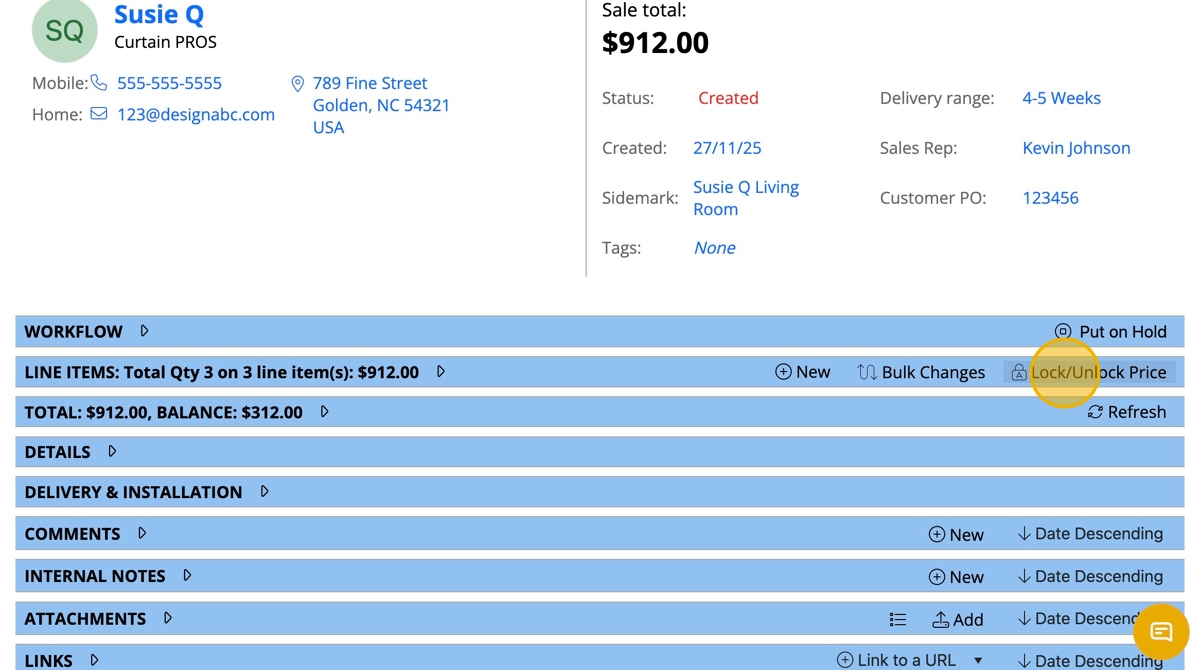
  1. On the Line Items banner, click "Lock/Unlock Price"
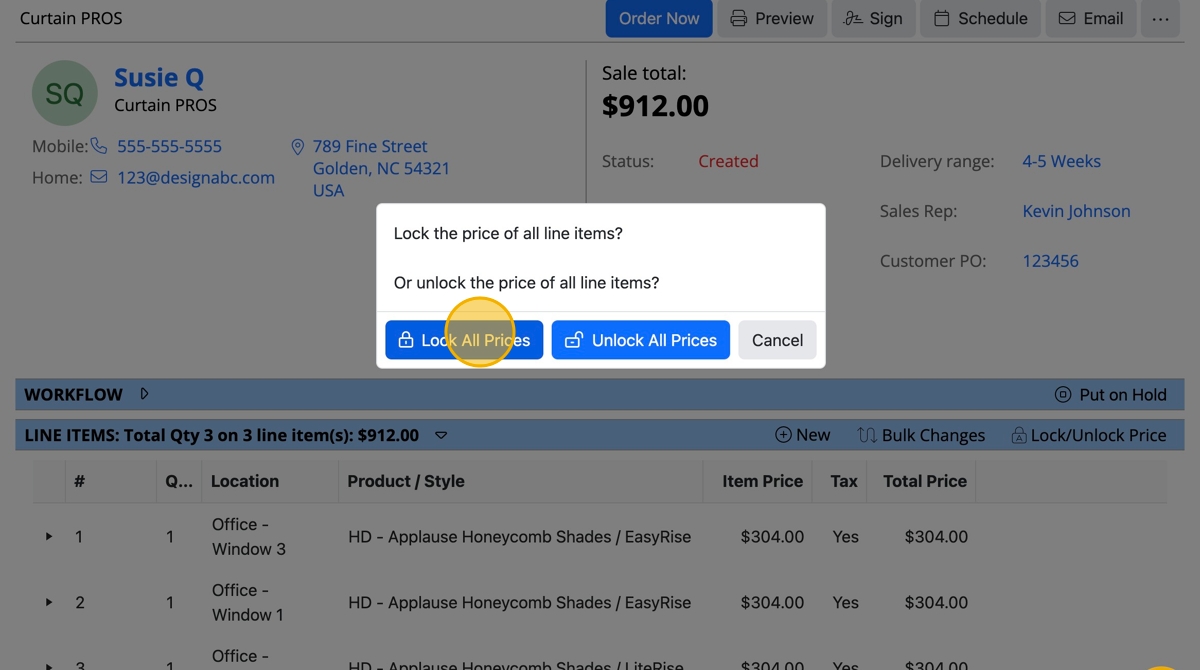
  1. Click the "Lock All Prices" button

  1. Once done, a notifiation popup will let you know the changes have been saved
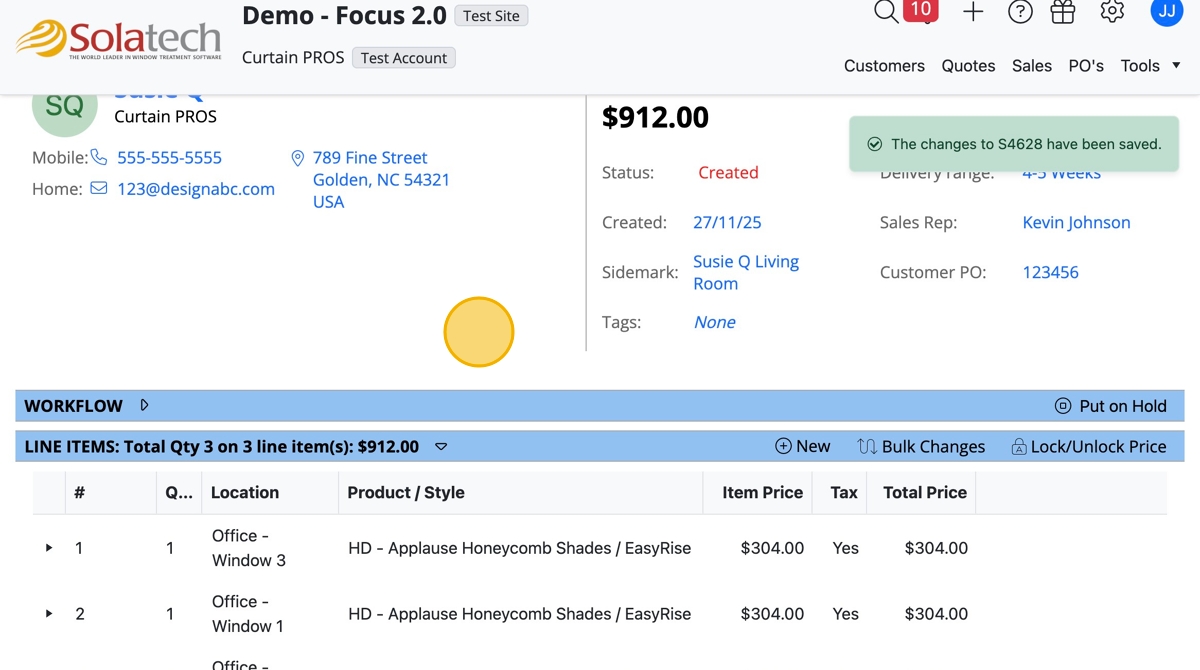
  1. To unlock a price, navigate to the Line Items banner and click "Lock/Unlock Price"
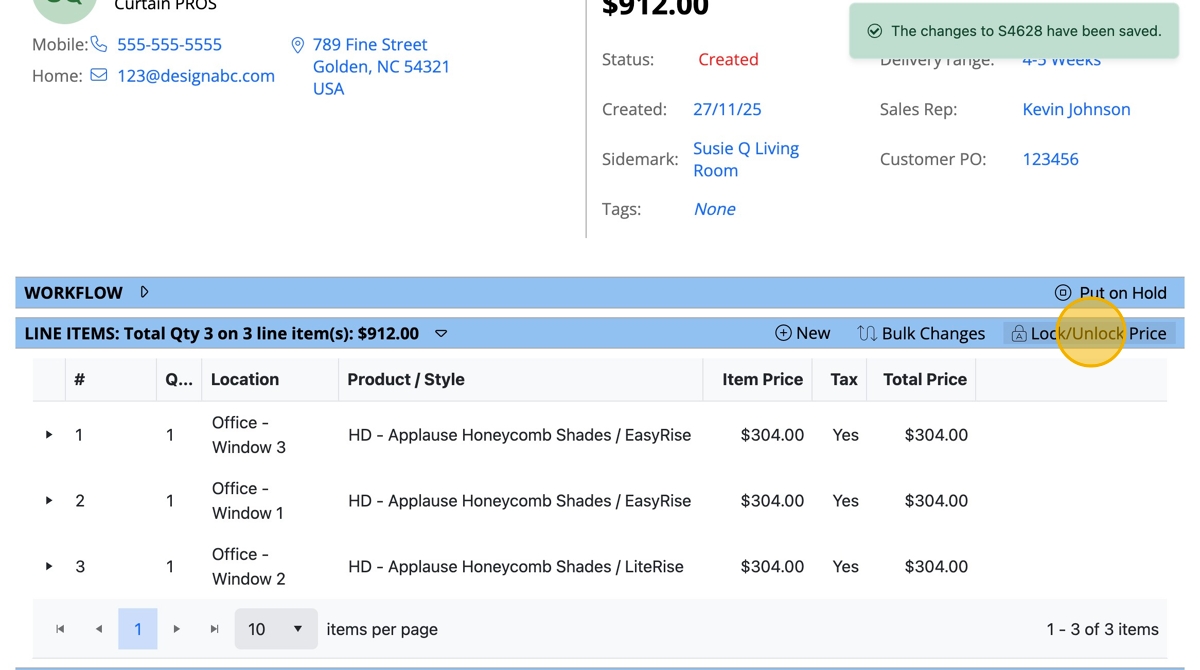
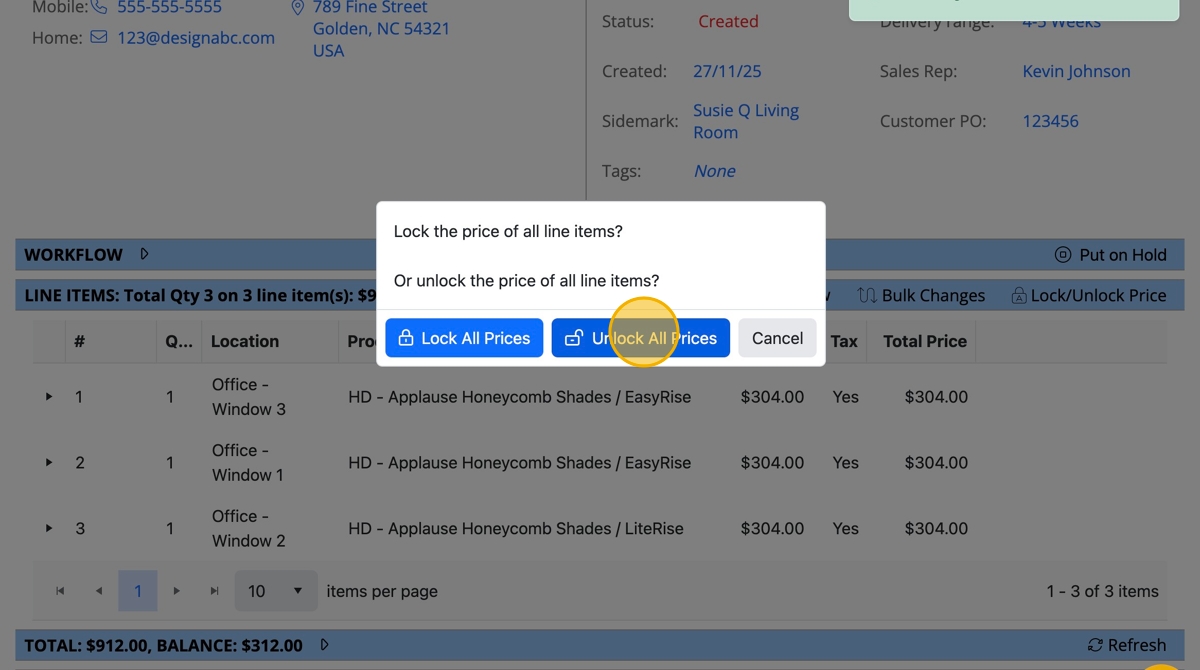
  1. Click the "Unlock All Prices" button

    • Related Articles

    • How to lock or unlock prices on a Quote

      How to lock or unlock prices on a Quote This guide provides a process for locking or unlocking prices on a quote, ensuring accurate pricing management. By following the steps outlined, users can efficiently secure their quotes, preventing ...
    • Description of Pricing Order in Solatech Focus

      Summary: We sometimes receive questions about the order of how costs, pricing, discounts and adjustments are applied. We are hopeful this chart will aide in understanding the order of application. Just follow the numerical order on the right side of ...
    • Understanding How Pricing Works in SalesPRO

      Summary  This article explains how SalesPRO calculates the pricing for line items in Order Entry. More Information We will begin in order entry, and review how pricing is calculated in various scenarios. Price Breakdown Window The Price Breakdown is ...
    • How to use the Reset Pricing check box

      Summary In Solatech Focus, users have the ability to enter a new item price or discount on a line item. When using the Replace feature, this can cause unexpected pricing results when a new product is selected.  Reset Pricing removes any existing ...
    • How to identify products with missing discounts using the Pricing Center in SalesPRO

      Summary SalesPRO's Pricing center allows you to verify your discount setup and  see which products may be missing either Vendor (cost) or Standard (retail) discounts.  This article will provide instructions on how to use this valuable tool. Overview ...