How to convert a Quote to a Sale
How to convert a Quote to a Sale
This is process for converting a quote into a sale, making it essential for anyone looking to streamline their sales workflow. By following the outlined steps, users can efficiently manage their sales transactions, ensuring accuracy and saving time.
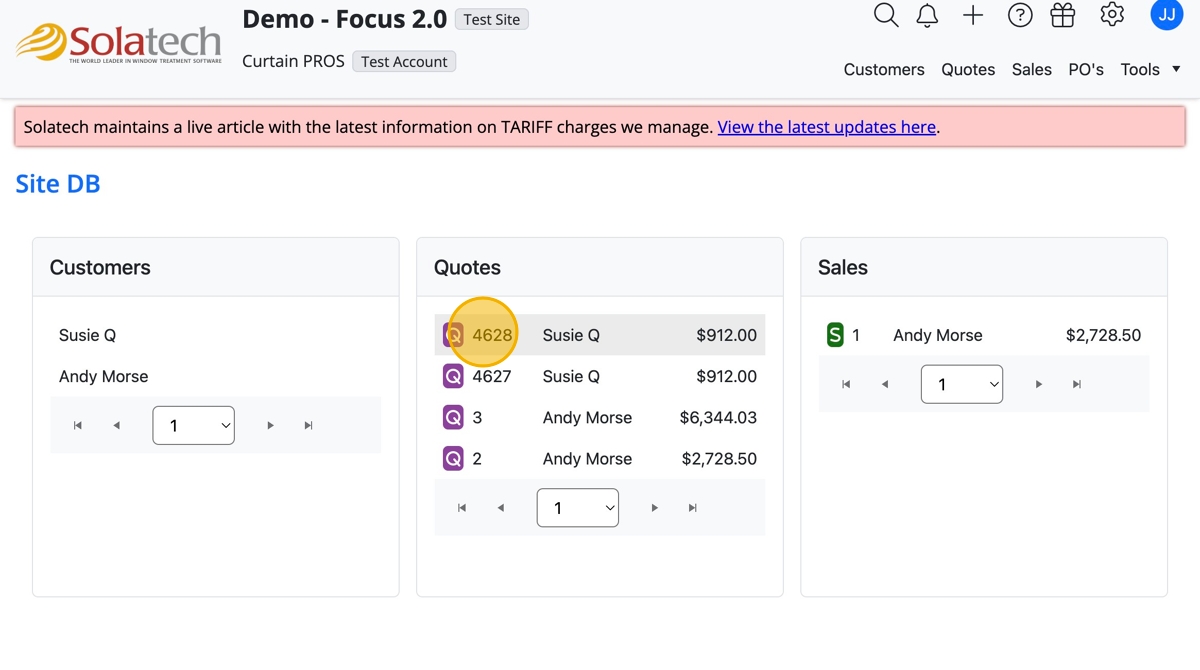
- Navigate to the quote and click the Quote Number to open the Quote
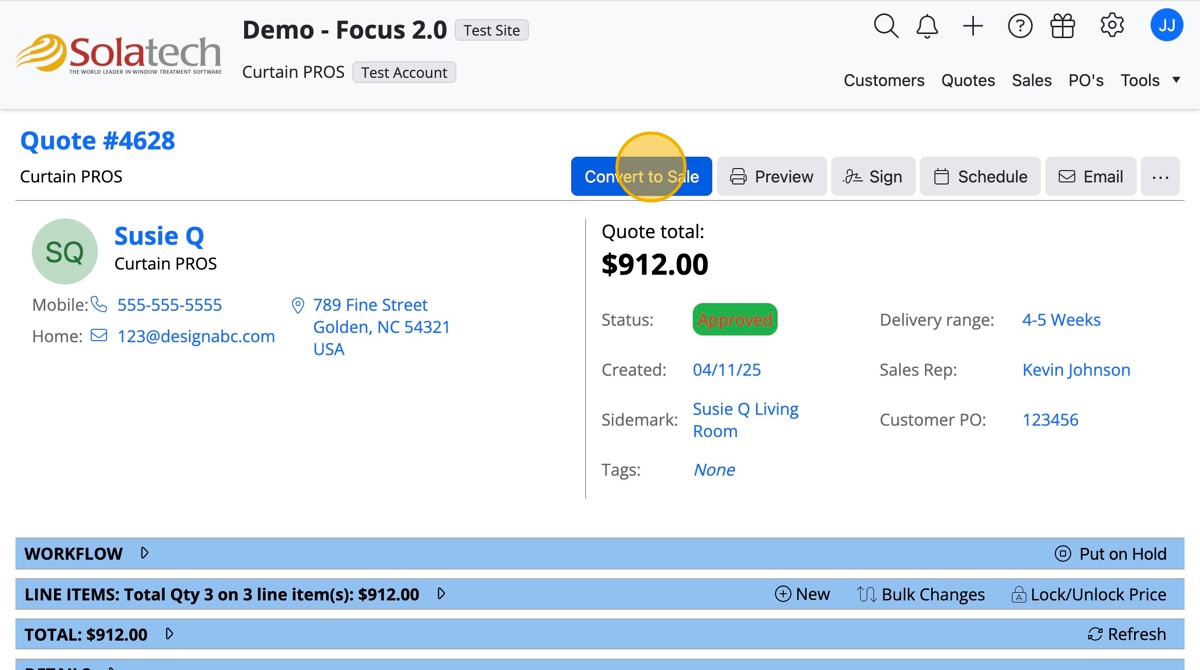
- Click the "Convert to Sale" button
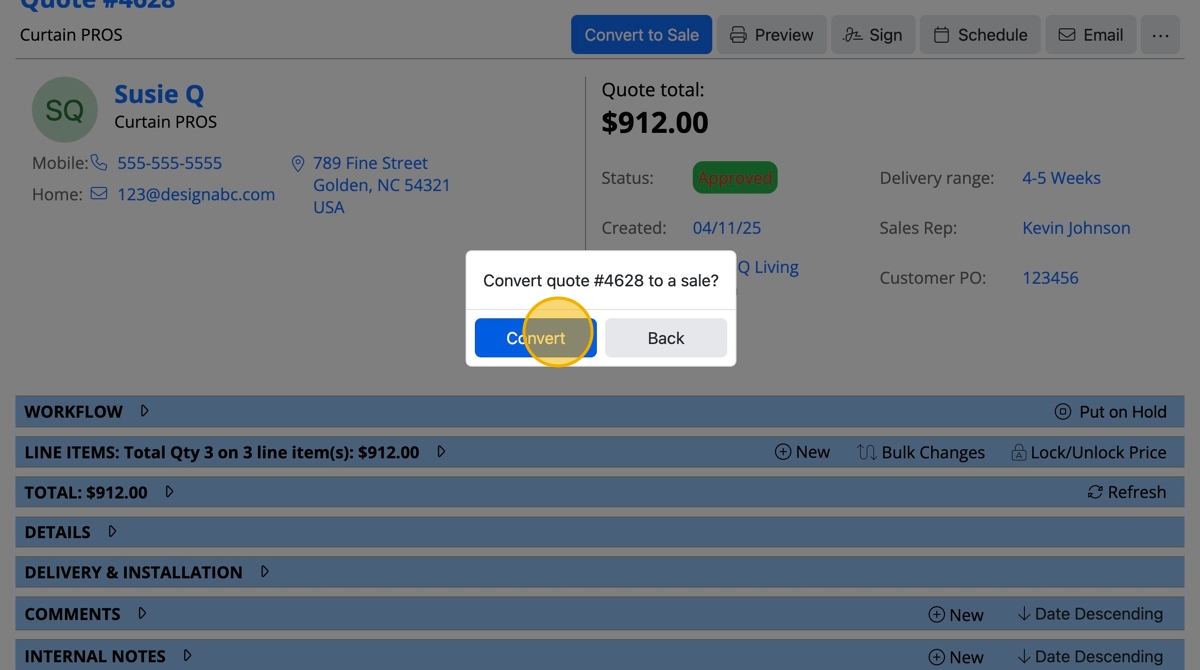
- Click the "Convert" button
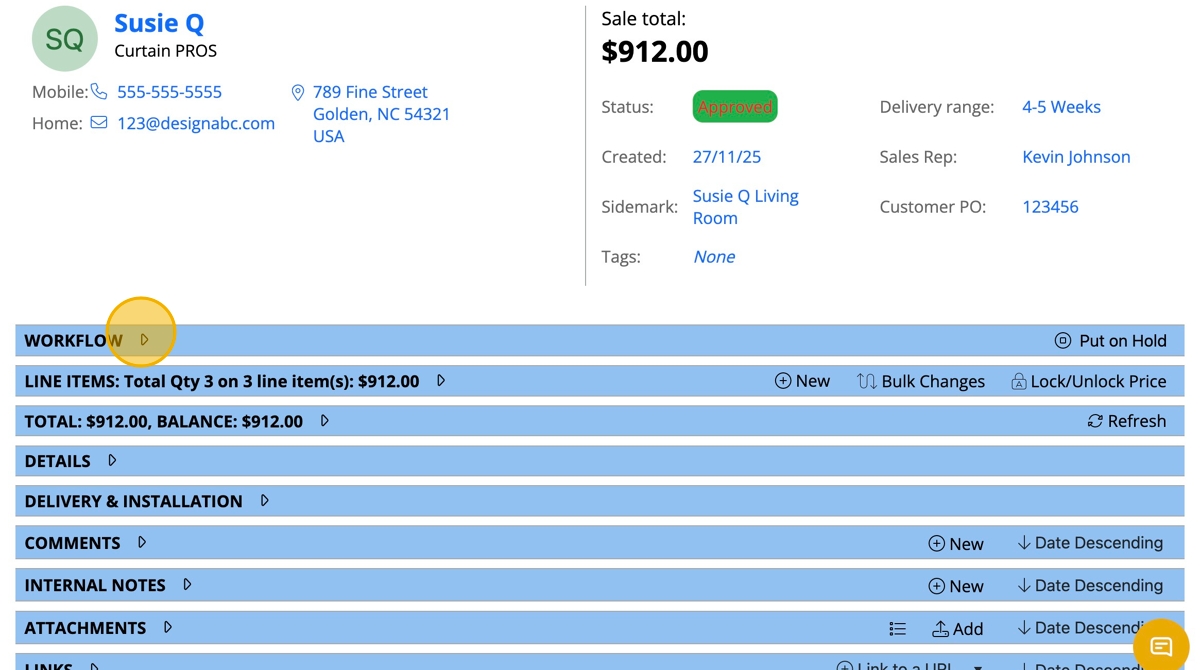
- To see the new workflow for a sale, scroll down to and click "Workflow"
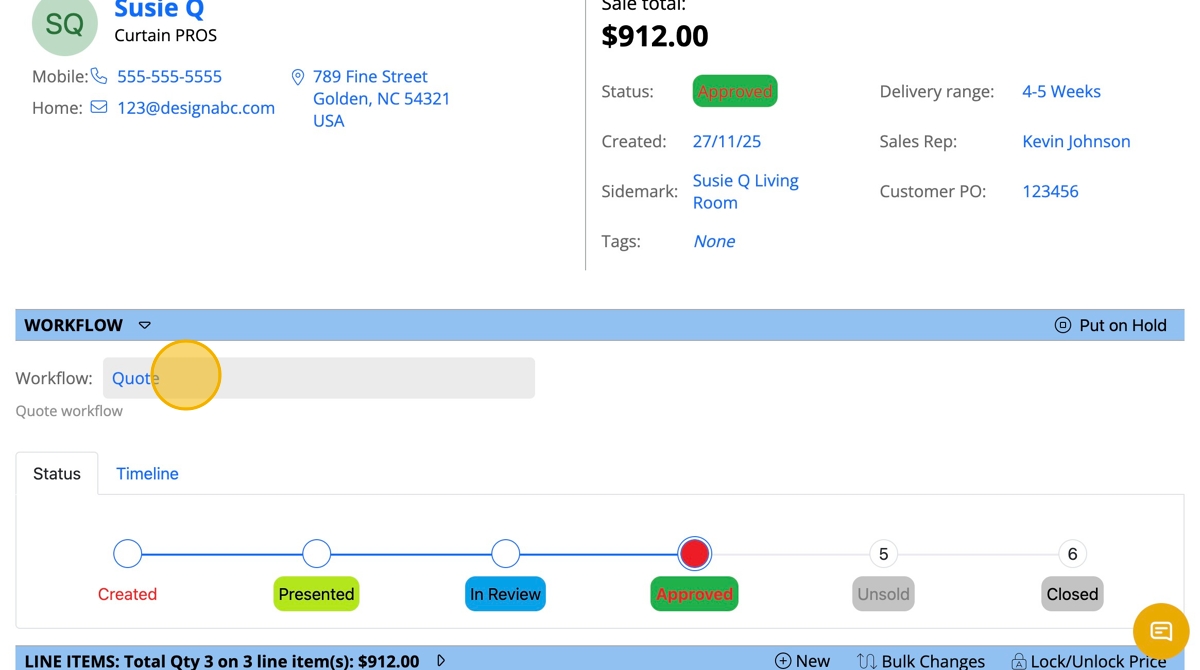
- Click the Workflow Dropdown where it says "Quote"
- From the list of workflows to view, click "Sale"
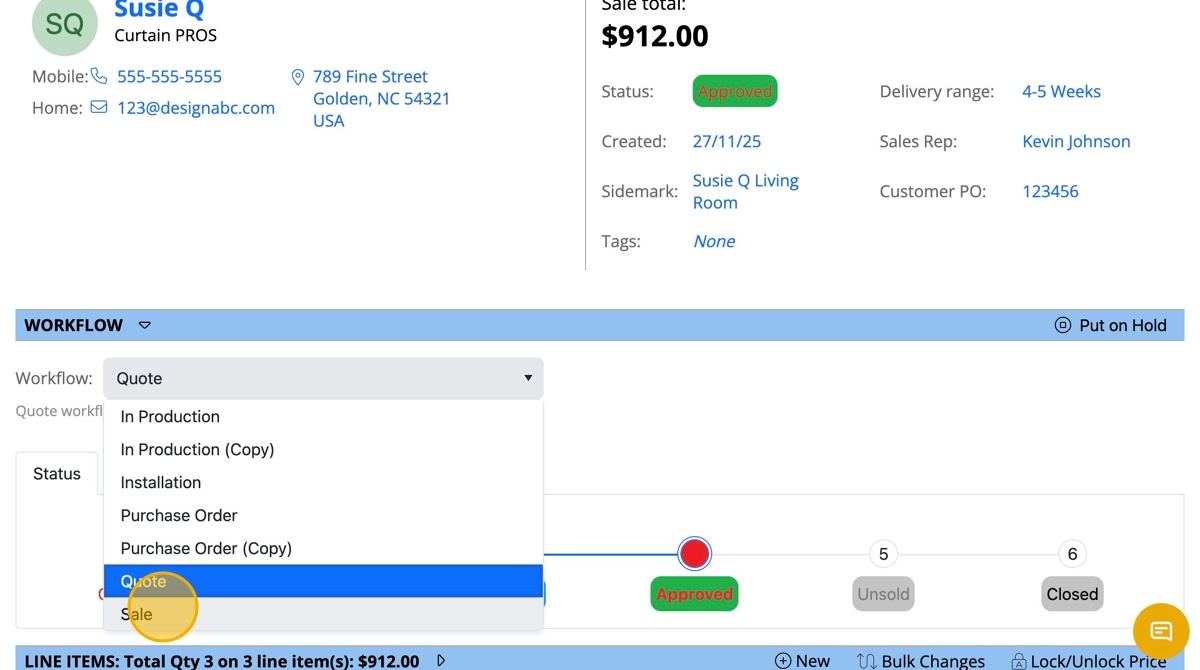
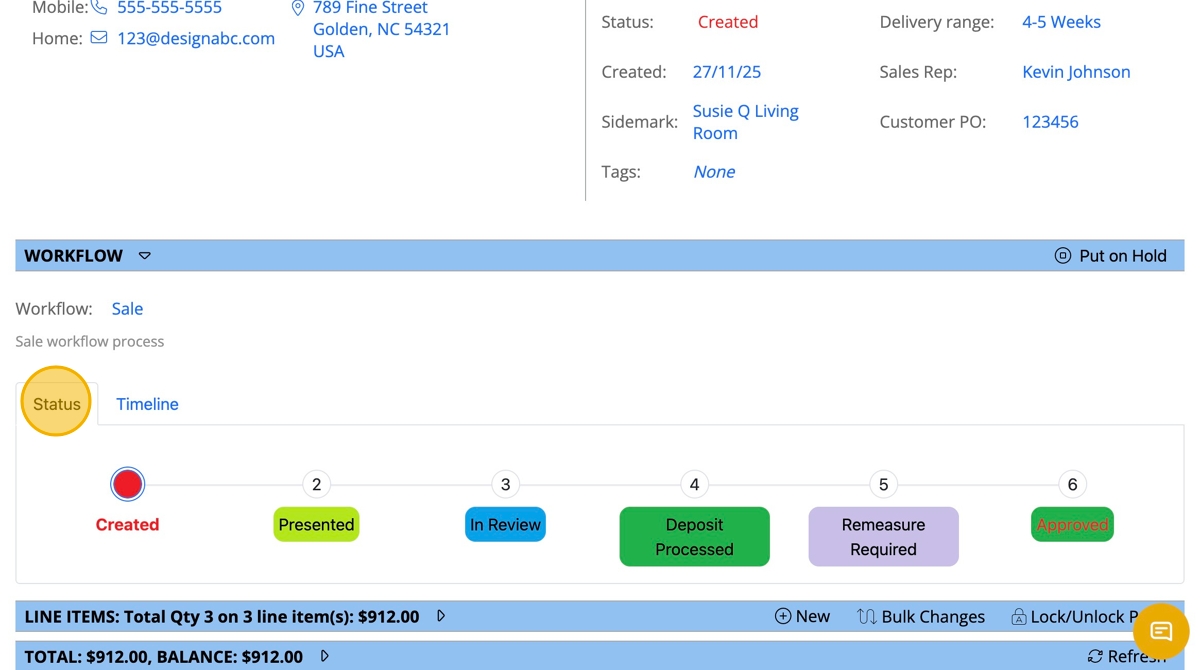
- The new Sale Workflow will be shown under the Status tab